Everything you need to create professional videos
ngram has all the tools you need to transform your ideas into polished, professional videos.
Explore every feature
Browse by what you want to do — or search to jump straight to a tool.
16 of 16 features
Create with AI
Generate every asset — visuals, voiceover, avatars, scripts, music — straight from a prompt.
AI Visuals
Use AI Visuals to generate brand-matched scene imagery for videos from scripts, screenshots, docs, URLs, and product material inside ngram.
AI Voiceover
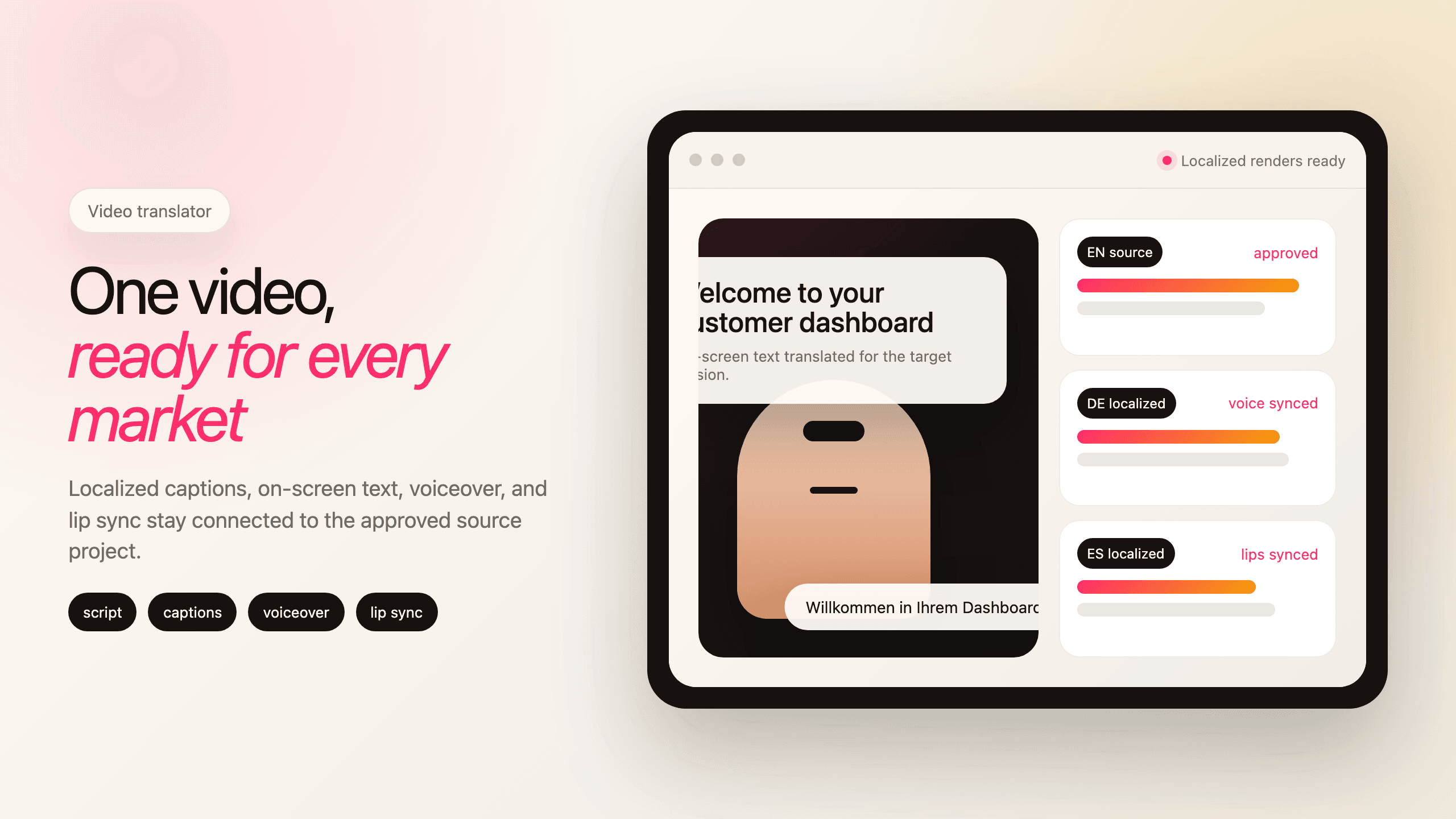
Use AI Voiceover to turn video scripts into narration with voice selection, team voice libraries, multilingual variants, and scene-aware edits.
Explore
Dynamic AI Avatar Talking Head
Use ngram AI avatars to create talking-head videos from a script, stock avatar, approved team face, or generated on-brand presenter with synced lip movements.
Explore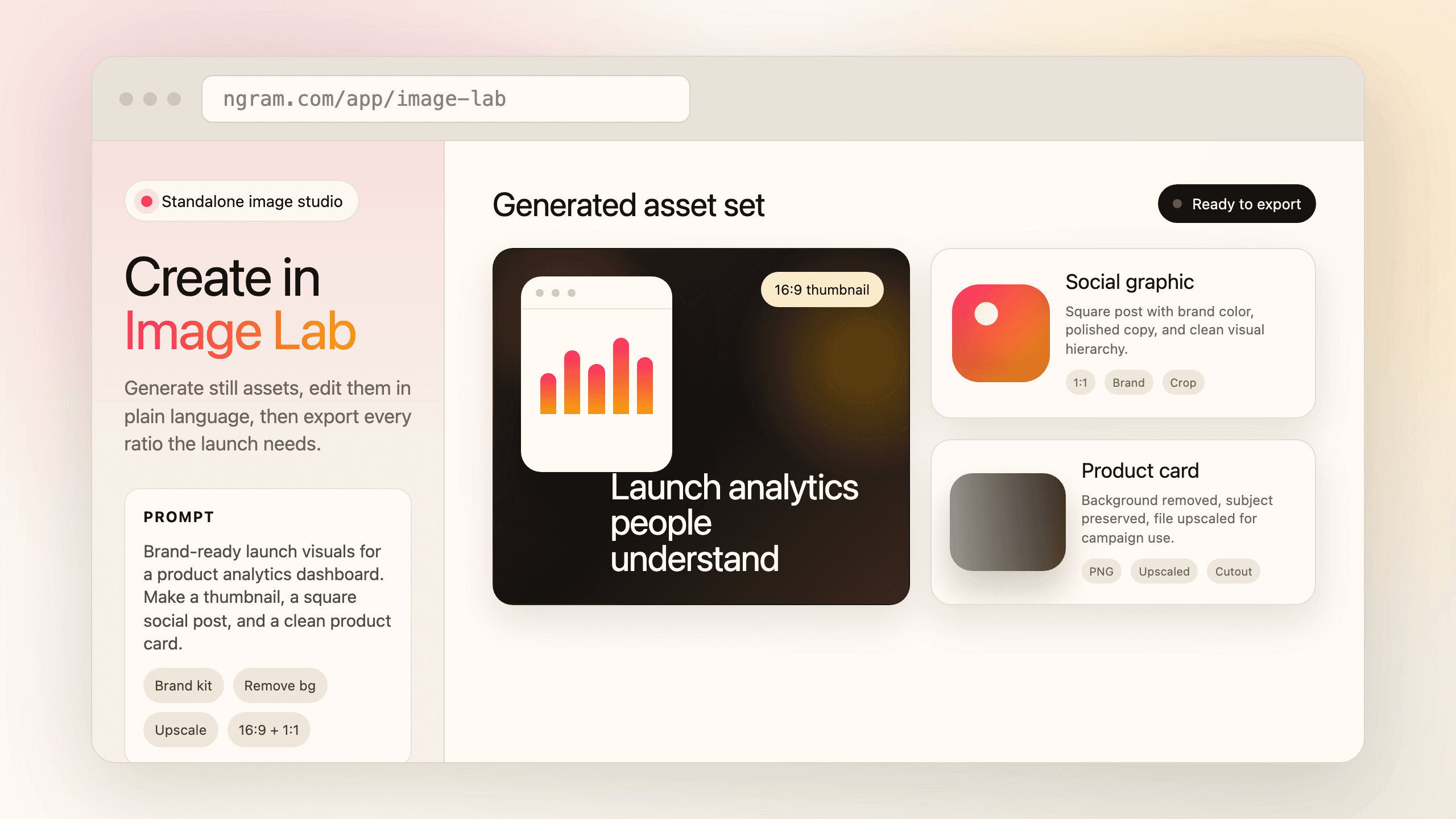
Image Lab
Use ngram Image Lab as an AI image generator for thumbnails, social graphics, product cards, background removal, upscaling, semantic crop, and brand-styled edits.
Explore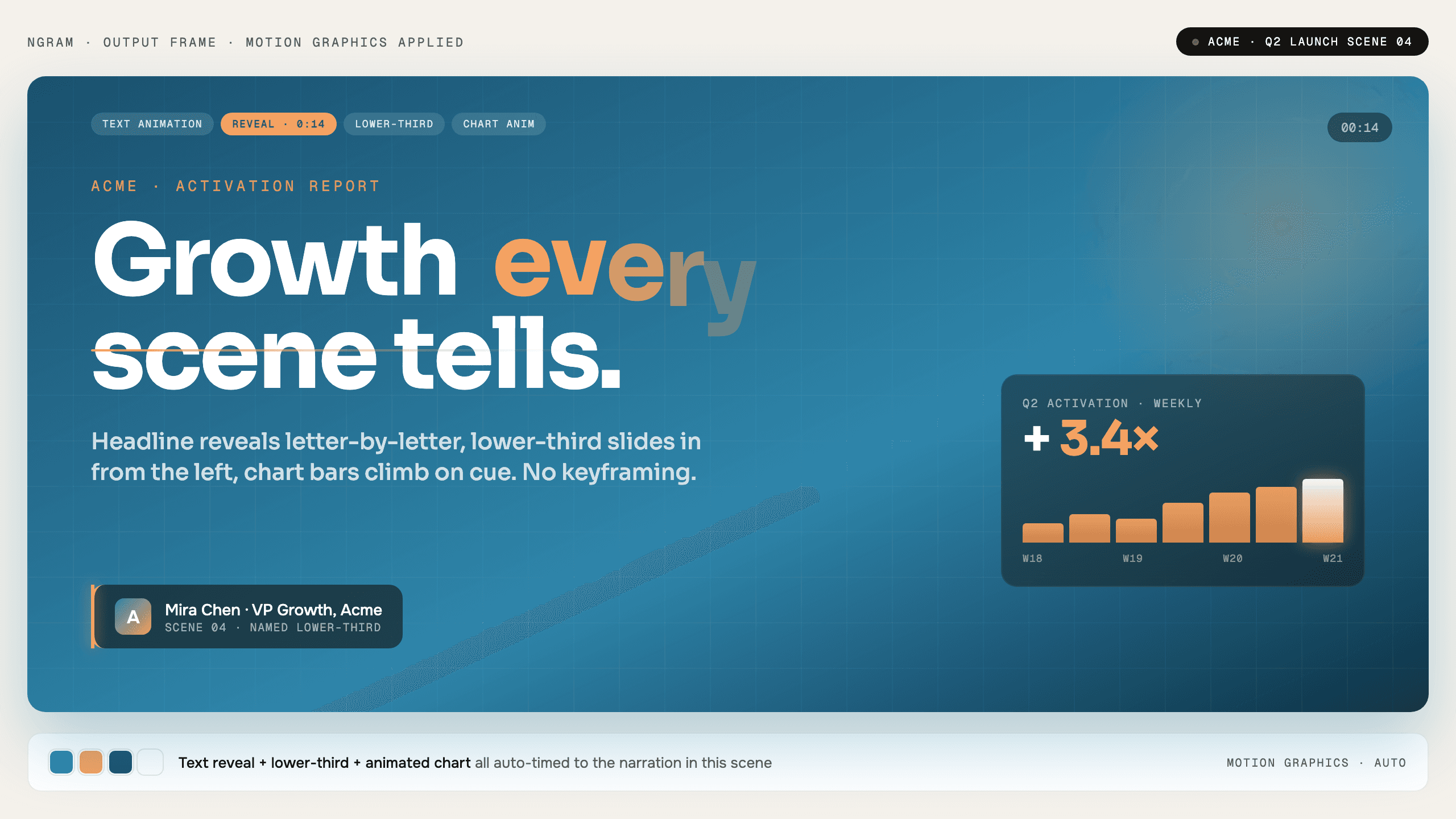
Motion Graphics
Use ngram Motion Graphics to add branded overlays, product callouts, animated graphics, transitions, and React-based motion scenes to videos.
Explore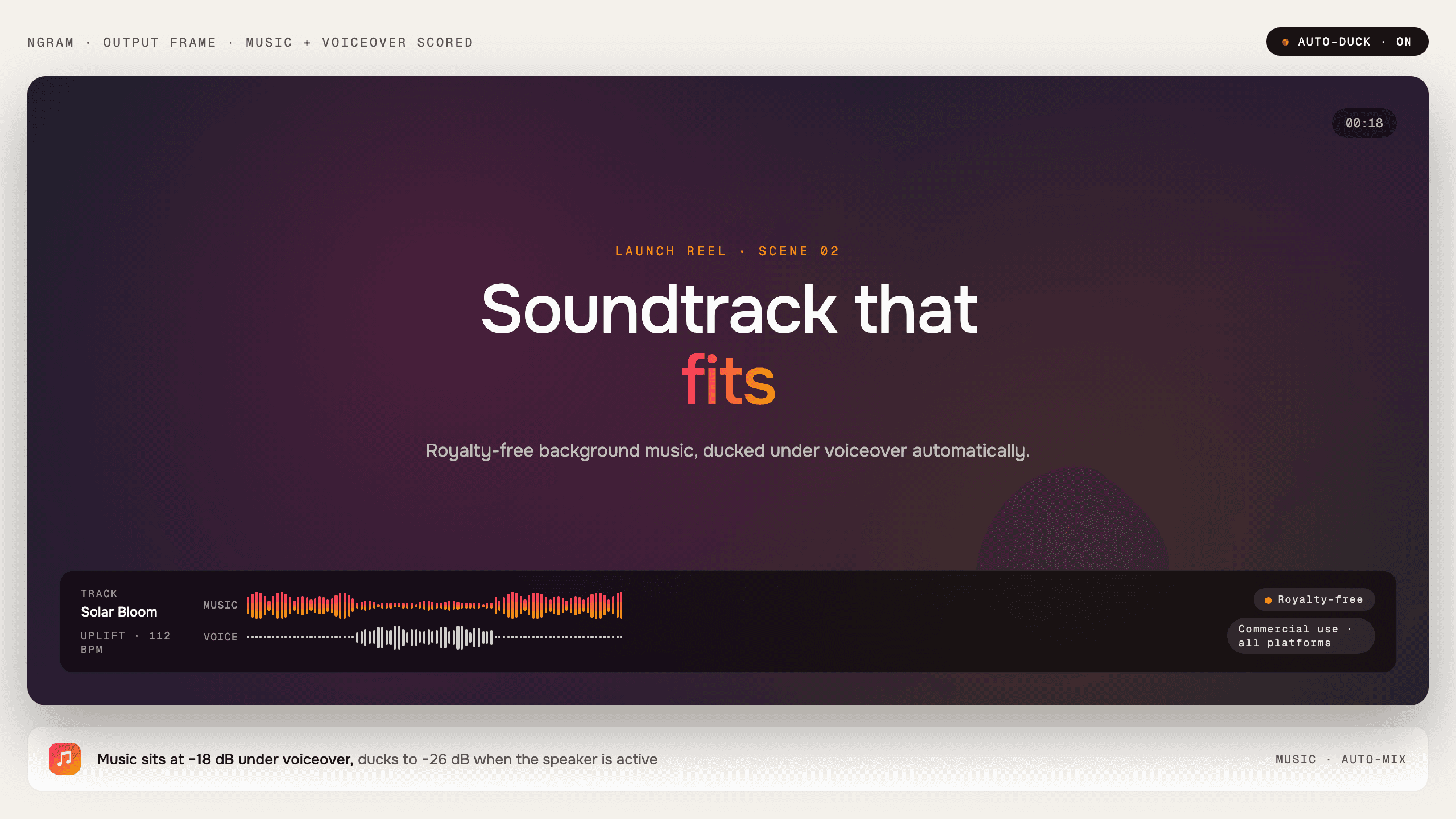
Music
Use ngram Music to add background tracks selected for the tone and pacing of your video, with narration kept clear in the final edit.
Explore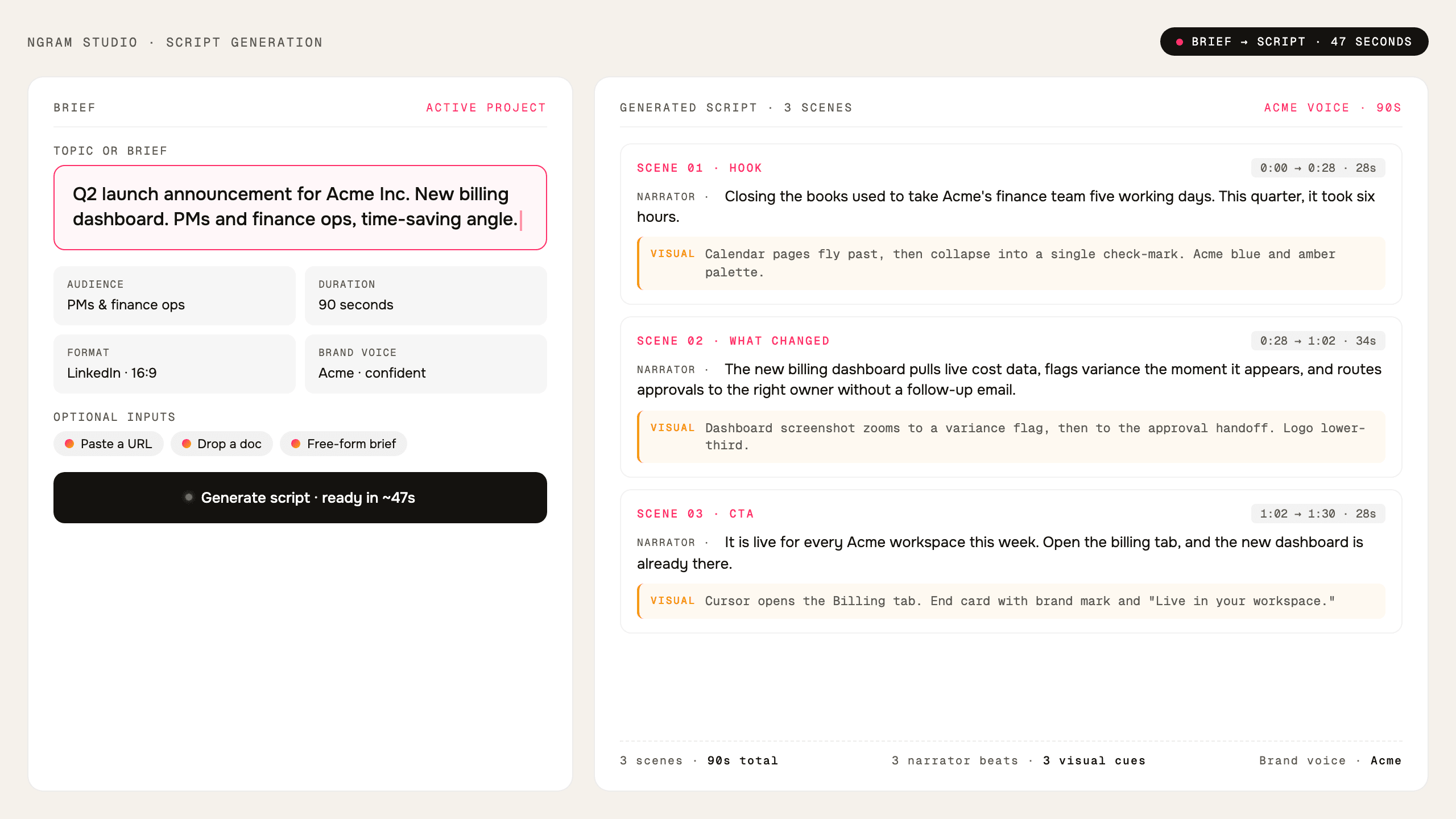
Script Generation
Use ngram as an AI script generator that turns prompts, PDFs, URLs, decks, recordings, and source material into video scripts and storyboards.
Explore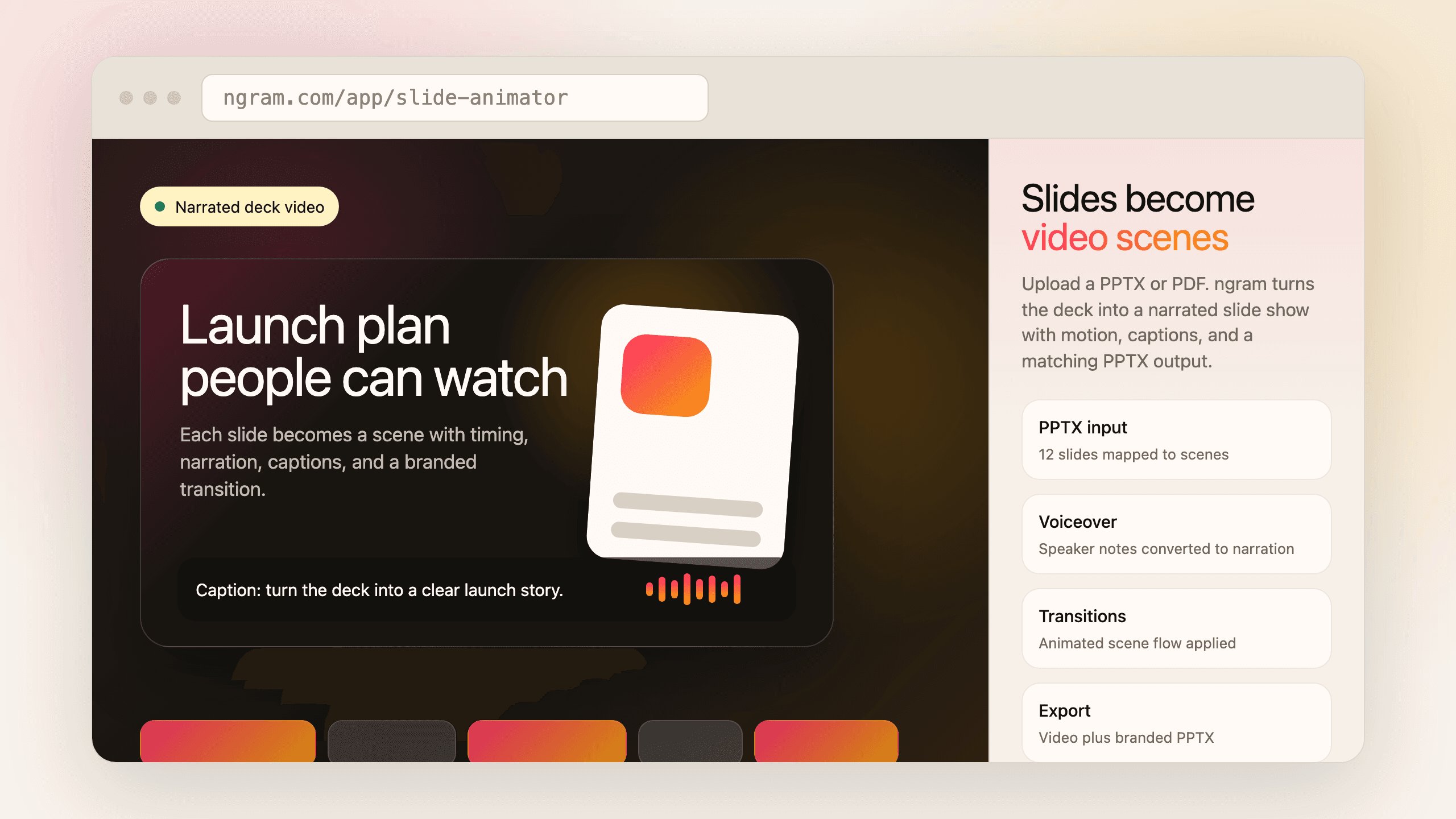
Slides
Use ngram as a PPT to video slide animator. Upload PowerPoint or PDF decks, turn each slide into a narrated video scene, and generate branded decks.
Explore
Ready to create your first video?
Start turning your ideas into professional videos in minutes.
Get Started