Video Translator by ngram
Video Translator Training and Support Videos

Drop a video or click to upload
MP4, MOV, WebM - clean speech and readable on-screen text translate best
What it does
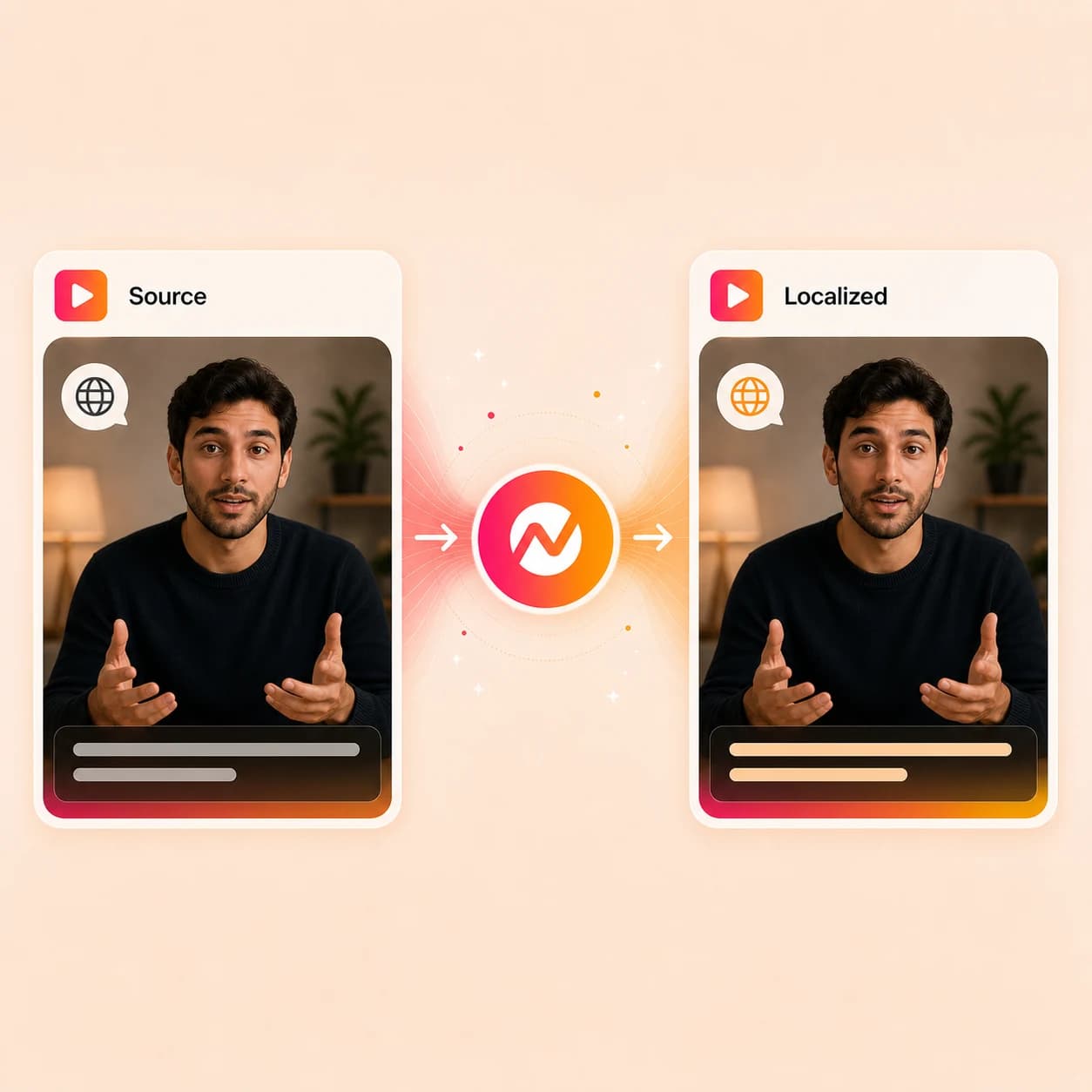
Upload a finished clip or paste a hosted URL, pick a target language, and run a video translator pass that handles captions, on-screen text, the script, multilingual voiceover, and avatar lip sync without rebuilding the project.
Trusted by teams at


How it works
From source clip to fully localized cut.
Transcribe the speech, translate every layer, regenerate voice and supported lip sync, then keep editing the same project.
Upload the source video
Drop the clip that needs a localized version - a demo, training cut, talking-head recording, webinar pull, support walkthrough, or hosted URL.
Source video ready
Pick the target language
Tell ngram which market or audience the localized cut is for; the transcript becomes the base for translated captions, on-screen text, and a translated script.
Target language locked
Translate captions, text, script, and voice
Generate translated captions, re-render titles and lower-thirds in the target language, rewrite the script for tone, and add multilingual voiceover with pacing that matches the original.
Every layer translated
Sync avatar lip movement and export
Regenerate avatar or talking-head lip sync where the workflow supports it, review the translated cut, then export the localized MP4 or send it into the next channel variant.
Ready for the market
What it can do
What a video translator does inside ngram.
Translate every layer viewers actually experience: captions, on-screen text, the spoken script, voiceover, and the avatar lip movement.
Translate captions line by line
Use the transcript as the base for translated subtitles, then review line breaks, product names, and reading speed before the localized render.
Translate on-screen text and lower thirds
Re-render titles, callouts, labels, and lower-thirds in the target language so the visual story matches the translated narration instead of sitting in the source language.
Translate the script for tone
Rewrite the underlying script in the target language with attention to product terms, acronyms, and audience tone before voice and captions regenerate.
Learn more about translationGenerate multilingual voiceover
Add a localized narration track using voice selection or approved team voices, with pacing that fits the translated script and the original timing.
Learn more about AI voiceoverRegenerate avatar lip sync
For supported avatar and talking-head videos, rebuild mouth movement so the visible speaker matches the new translated voiceover instead of the source language.
Learn more about avatarsExport localized channel variants
Render the translated cut as MP4, or continue into widescreen, square, and vertical versions for LinkedIn, YouTube, help centers, and product walkthroughs.
Learn more about export formatsBuilt for full-stack video translation
When it matters
Where a video translator changes how the message travels.
Nine ngram use-case pages where a single source video has to play in more than one language for the team, the customer, or the market.
Training Video
Localize SOP and onboarding training so distributed teams watch the same lesson in the language each location actually speaks.
Open AI video use caseCustomer Onboarding Video
Translate onboarding walkthroughs so first-week customers in every region see the same guidance with captions, text, and voice they understand.
Open AI video use caseHelp Center Video
Carry support articles into video, then translate captions, on-screen text, and voiceover so help center entries scale to every supported language.
Open AI video use caseProduct Demo Video
Translate a product demo so regional sales reps and prospects watch the same walkthrough with localized captions, callouts, and narration.
Open AI video use caseProduct Explainer Video
Take docs, screenshots, and URLs into one explainer, then translate every layer so the same story works for global launches and customer education.
Open AI video use caseInternal Communication Video
Translate company updates so HQ recordings reach engineers in Berlin, ops staff in Manila, and field teams in Sao Paulo without separate productions.
Open AI video use caseHR Training Video
Localize HR and policy videos so compliance, conduct, and benefits guidance reads the same way for every office, with captions and voice that match.
Open AI video use caseDevRel Tutorial Video
Translate code-led tutorials so developer audiences read on-screen labels and hear narration in their language while the code stays untouched.
Open AI video use caseSales Demo Video
Translate sales demos and follow-up clips so regional account teams send the same walkthrough with localized captions, voiceover, and CTAs.
Open AI video use caseProduct stack
The product stack behind a working video translator.
Translating a video is multiple layers running in one project: script, captions, on-screen text, voiceover, brand, and export formats.
Translation & Localization
Drive the whole video translator workflow: translated script, captions, on-screen text, multilingual voiceover, and lip sync where it is supported.
Learn more about translationCaptions & Subtitles
Generate the source caption track, then translate and re-render it so the localized cut ships with subtitles that read at the right speed in every language.
Learn more about captionsAI Voiceover
Power the translated narration with voice selection and team voice libraries, so the localized cut sounds like the brand instead of a generic synth voice.
Learn more about AI voiceoverDynamic AI Avatar Talking Head
Rebuild avatar lip movement against the translated voiceover so the visible presenter stops mouthing the source language while the new audio plays.
Learn more about avatarsScript Generation
Use ngram's script layer to adapt the translated dialogue for tone, audience, and product terminology before voiceover and captions regenerate.
Learn more about script generationBrand Kit
Hold caption font, color, logo, intro/outro, and approved phrases steady across the source and translated cuts so every language feels like one brand.
Learn more about brand kitMulti-Format Export
Render the translated cut as MP4, GIF, WebM, and channel-ready aspect ratios for product walkthroughs, social clips, and help center embeds.
Learn more about export formatsEnterprise Integrations
Send translated cuts into automation, API, webhook, MCP, browser capture, and publishing routes so localized video routes itself.
Learn more about integrationsMore tools
More tools around the video translator pass.
Use these when the source needs a transcript, the voice needs cleanup, or the localized cut needs finishing alongside the translation.
Prepare captions and transcripts
Build the text base that feeds the translation.
Add Subtitles to Video
Generate timed source subtitles so the translator has clean line breaks to localize.
Open toolAuto Subtitle Generator
Produce timed caption files in the source language before running the translation pass.
Open toolVideo to Text
Transcribe the source clip into a clean script before captions and voice get translated.
Open toolAudio to Text
Transcribe narration or interviews before the script becomes the input for the translator.
Open toolLocalize voice and presenter
Cover the spoken track and the on-screen face.
Voice Dubber
Use Voice Dubber when only the spoken audio needs localization and captions and on-screen text can stay as they are.
Open toolAI Voice Generator
Generate narration from the translated script when the source video had no voice track to begin with.
Open toolText to Speech Video
Turn a translated script into a narrated video when the localized cut needs a fresh visual build.
Open toolAI Avatar Video Generator
Drive a translated cut through a presenter-led avatar instead of the original speaker.
Open toolFinish the localized cut
Polish the translated video before it goes live.
Add Text to Video
Layer translated titles, lower-thirds, and product callouts onto the localized version.
Open toolVideo Editor
Refine the translated clips, captions, audio, and scene timing before the final render.
Open toolAdd Music to Video
Rebalance the music bed against the new voiceover so the translated mix stays clear.
Open toolVideo Converter
Convert the translated MP4 into the codec or container the destination channel expects.
Open toolConvert
Sources that often need a second-language video.
Three source-to-video converters that produce the kinds of cuts most likely to feed the video translator next.
Screen Recording to Video
Turn a raw walkthrough into a polished demo, then run the translator so the captions, narration, and on-screen labels work in every market.
Open converterWebinar to Clips
Cut a long webinar into shorter pulls, then translate the high-value clips for regional campaigns instead of redoing the whole session.
Open converterHelp Center Article to Video
Convert a help center article into a tutorial video, then translate captions, on-screen text, and voiceover for every supported language.
Open converterWho it is for
Teams that ship one video to many languages.
The video translator earns its place wherever launches, training, support, and sales work has to travel across markets without a fresh production cycle.
Product Marketing Managers
Launches and explainers that need captions, on-screen text, and voiceover translated before the regional drop dates.
See product marketing workflowsCustomer Success
Onboarding, QBR, and education videos customers can watch in the language their renewal happens to live in.
See CS workflowsSupport Teams
Help-article videos and ticket-response clips that translate cleanly so every region gets the same answer.
See support workflowsEducators & Trainers
Lesson and training videos where translated captions and narration are the only way distributed learners follow along.
See educator workflowsHR & Internal Comms
Policy, onboarding, and company-update videos that need to read the same way in every office and language.
See HR workflowsSales Enablement
Demo and follow-up videos that get translated for regional motions instead of recorded from scratch by each rep.
See sales workflowsDeveloper Relations
API walkthroughs and integration guides where the code stays in English but the narration and labels travel.
See DevRel workflowsAgencies & Consultants
Client deliverables where one approved master video gets translated into every market the brief covers.
See agency workflowsEnterprise
Governed localization workflows where every translated cut needs review, brand checks, and repeatable delivery across regions.
See enterprise workflowsIntegrations
Route translated video work through the tools you already use.
Live ngram integrations that fit a workflow where the next step after the translator pass is review, publishing, or routing the localized cut to a regional team.
Zapier
No-codeWhenA master video lands in Drive, Notion, or a localization intake with a target language list
ThenTrigger the ngram video translator for each language and send the localized MP4s back to the requester
MCP Server
AgenticWhenClaude or ChatGPT is asked to translate a video into a specific market language inside the chat thread
ThenCall ngram, run the full video translator pass, and return the translated cut inline
n8n
WorkflowWhenA CMS, LMS, or support record needs the same video in a list of regional languages
ThenRun the translator pass for each language and post the localized MP4s back to the record
Make.com
ScenarioWhenA launch or campaign asset is approved and a scenario lists the regions it has to ship to
ThenRun the video translator per region and notify the owner with each translated cut
Chrome Extension
CaptureWhenYou spot a hosted video on the web that should be reissued in another language
ThenHand the link to ngram and start the video translator without re-downloading the source file
WhenA translated launch or thought-leadership clip is approved for a regional audience
ThenPublish the localized cut on LinkedIn with the matching post copy in the same language
X (Twitter)
PublishWhenA translated teaser or update clip is ready for a non-English market
ThenPost the localized cut to X with launch copy written for the target language
YouTube
PublishWhenA translated demo, tutorial, or webinar pull finishes rendering for a regional channel
ThenUpload the localized version to YouTube with the title, description, and chapters translated to match
Why ngram
How ngram compares for translating a full video.
Most dedicated translators stop at voice or subtitles. ngram keeps captions, on-screen text, script, voice, and avatar lip sync in the same project.
| Compare | ngram | HeyGen | ElevenLabs Dubbing | Rask AI |
|---|---|---|---|---|
| Workflow fit | Translates captions, on-screen text, script, voiceover, and avatar lip sync inside the same project used for editing and export. | HeyGen offers video translation with voice cloning, lip sync, auto subtitles, and YouTube-link input across many languages. | ElevenLabs Dubbing Studio handles transcription, translation, speaker detection, and voice-matched dubbing with synced captions across a broad language list. | Rask AI focuses on video and audio localization with voice cloning, multi-speaker detection, lip sync on higher tiers, and broad language coverage. |
| How ngram fits | Keeps the localized cut tied to the source script, brand kit, scenes, and channel variants instead of re-uploading after each translation step. | Strong fit when presenter realism and one-click translated dubs are the main job. | Useful when the priority is high-fidelity translated voiceover with the original speaker characteristics preserved. | Useful when the job is dedicated localization across already-finished media. |
| Best use | Best for teams that need business video translated end to end and ready for review, publishing, and reuse. | ngram is the better fit when the translated cut also needs storyboard, brand kit, source context, and downstream channel variants. | ngram extends the same workflow with on-screen text translation, brand kit, scenes, and publishing routes instead of leaving the asset at audio level. | ngram keeps translation connected to script, brand, captions, on-screen text, integrations, and multi-format export instead of stopping at the dub. |
FAQ
Common questions about video translation
Still curious?
Make one video work in every language
Translate the captions, on-screen text, script, voiceover, and supported avatar lip sync in one pass, then keep editing the localized cut in the same ngram project until it ships.
Run the focused video translator now, then finish the localized version inside ngram.
Captions, on-screen text, voice, lip sync, export