Music that fits the scene
Use ngram to add background music for video projects. The agent selects a track from the hosted music library based on tone and pacing, and you can ask for a different mood in chat.
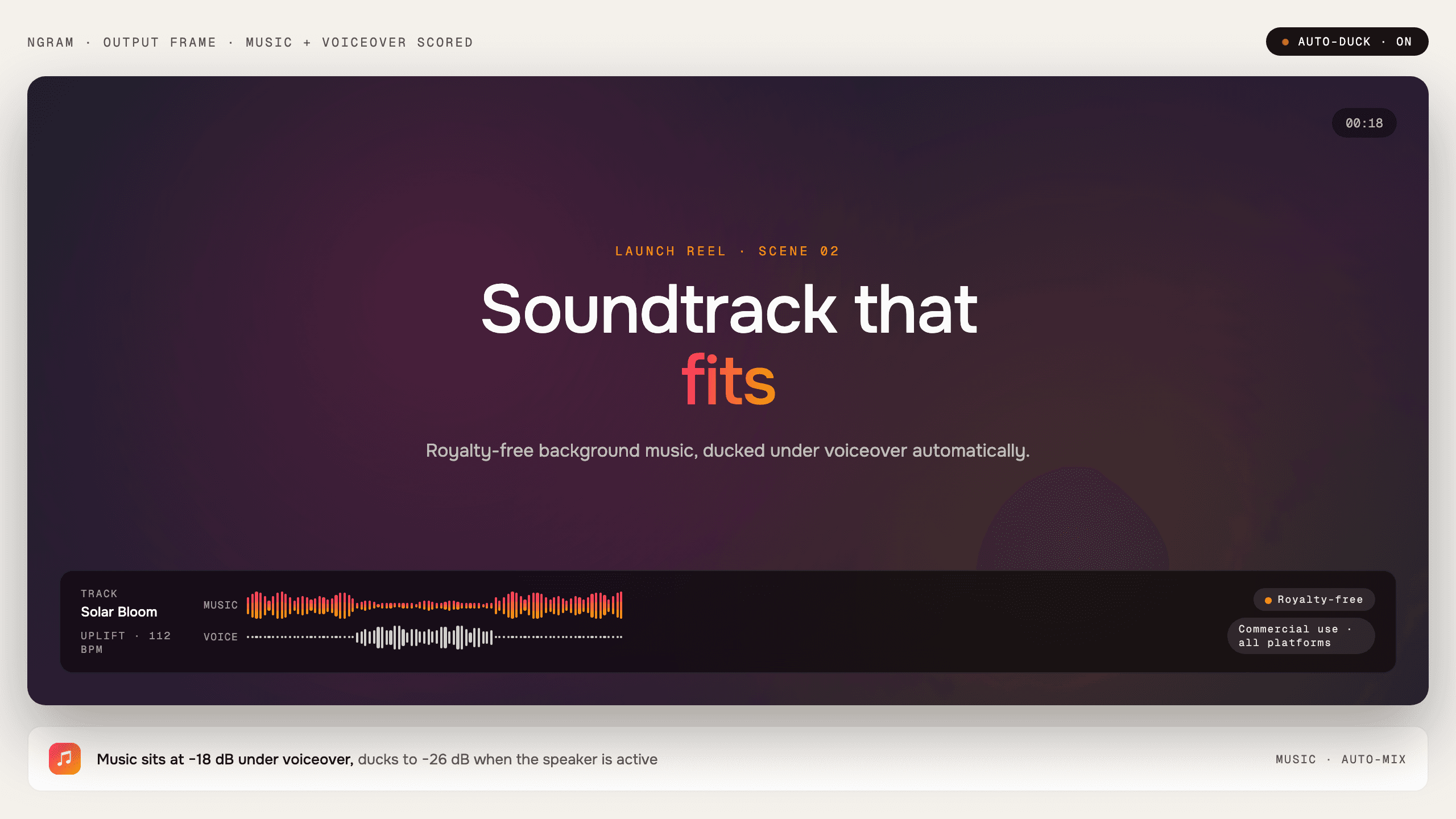
- Select background music from the hosted library
- Match the track to the video tone and pacing
- Ask for a different mood without leaving the project
Trusted by teams at


Music selection can stall a finished edit
A video can be approved, then sit while someone searches for a track that fits the mood, leaves room for narration, and feels right for the channel.
Track search interrupts the workflow
The edit moves from script and scenes into a separate browsing task.
The mood can fight the message
A track that sounds good alone can make a tutorial feel rushed or a launch feel flat.
Narration needs space
Background music should support the voiceover, not compete with it.
Music keeps scoring inside the video project.
Music matched to the video
Music lets ngram add a background track that fits the video tone while keeping narration and captions clear.
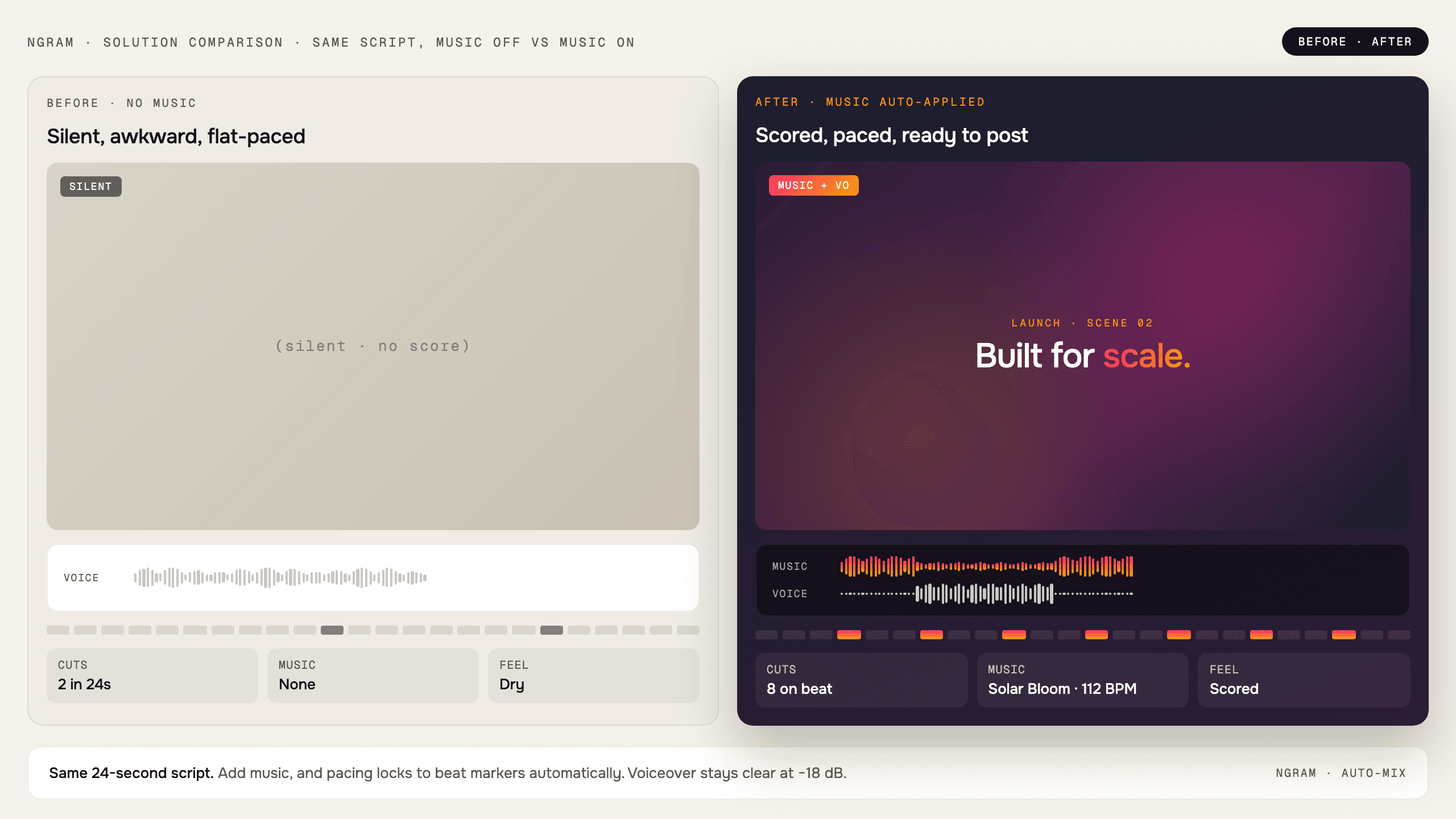
Background music is selected for the same video plan as the scenes.
Tone-matched selection
The agent selects background music from the hosted library based on the video message, mood, and pacing.
Narration stays clear
Music supports the spoken track so demos, tutorials, and launch videos remain easy to follow.
Editable by request
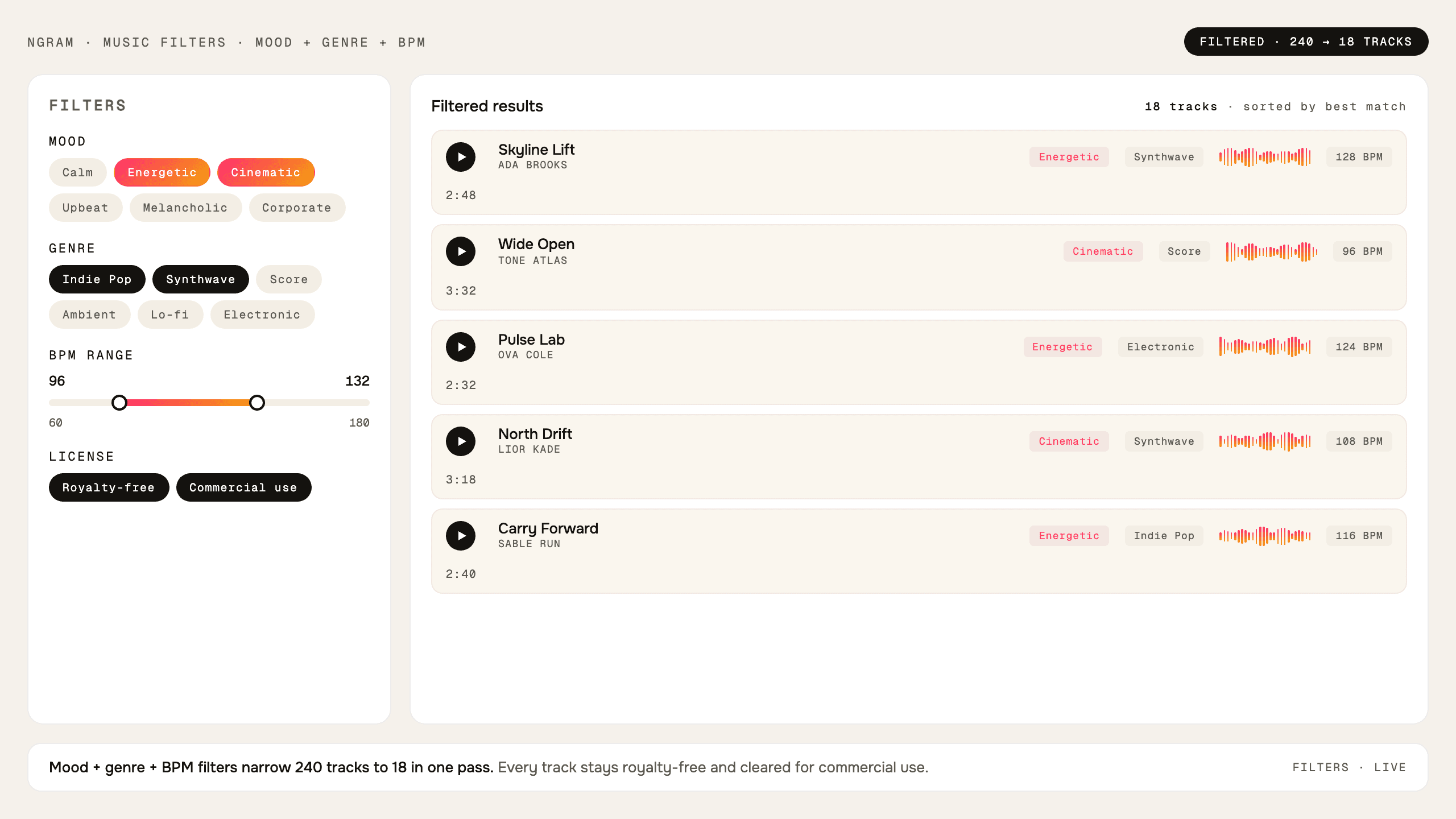
Ask for a different mood or direction in chat when the first track does not fit the project.
Scoring lives in the same video workflow
Music is selected from within the project context instead of becoming a separate hunt through stock libraries.
Match the message
Track selection starts from the video tone, audience, and pacing.
Leave room for narration
The background track supports the script instead of competing with it.
Change mood in chat
Ask for a different direction while staying in the same project.
How Music works
ngram reads the project tone, selects background music, and lets you request a different mood when needed.
Set the video tone
The prompt, audience, script, and storyboard give ngram the context for the score.
Add background music
The agent selects a track from the hosted music library that fits the project.
Revise the mood
Ask for calmer, brighter, more premium, or more direct music if the first choice is off.
Who uses Music
Music helps business teams turn existing material into clearer videos without separating the feature from the main ngram workflow.
Product marketing
Add background music that supports the energy of a launch without burying the message.
Agencies
Score client work from inside the project instead of sending the edit to another library.
Customer success
Use music to support training and help videos while narration remains the focus.
Founders
Add a background track that supports the story without making the update feel overproduced.
Where Music fits in the real work.
Use Music in the moments where a business message needs to become a clear, polished video for a specific audience, channel, or workflow.
Marketing Brand Video
A brand video maker for marketing teams whose quarterly video budget covers three agency projects and nothing else. Drop in product footage, a positioning doc, or a brand-style URL. Get back a polished marketing brand video locked to your brand kit in under an hour.
Event Recap Video
Upload the phone clips, keynote captures, and booth footage from your conference. Get back a polished event recap video and a month of social cutdowns inside 48 hours, while the buzz is still alive.
Product Launch Video Maker
Turn the feature PRD, the screenshots, or a rough screen recording into a launch-ready video. A product launch video maker built for SaaS hands you back motion graphics, captions, brand polish, and every channel ratio — without an agency invoice or a missed release window.
Creator YouTube Content Video
Drop in your raw footage. An AI video editor for YouTube creators hands you back a polished, captioned, zoom-enhanced upload ready for the channel — no timeline scrubbing, no Sunday-night editing marathon, no missed upload window.
Ad Creative Video
A video ad maker built for performance marketers who test daily. Drop in raw product footage or a URL. Get back ten platform-ready video ad creatives with on-brand hooks, captions, and every aspect ratio you need to outrun creative fatigue.
Product Launch Teaser Video
Paste the landing page URL, drop in product screenshots, or describe the launch. A product launch teaser video maker built for SaaS hands you back a scroll-stopping cut with motion graphics, branded transitions, and pacing tuned for the feed — no agency retainer, no missed launch window.
Music compared with the usual alternatives
Music is built into the ngram video workflow. The comparison below uses conservative workflow categories instead of unsupported competitor claims.
| Capability | ngram | Manual workflow | Template editor | Point tool |
|---|---|---|---|---|
| Selection context | ● Uses video tone and pacing | × Manual browsing | ~ Template track list | ~ Standalone audio search |
| Narration fit | ● Chosen to support spoken video | × Manual mix check | ~ Depends on template | ~ Separate audio workflow |
| Revision path | ● Ask for a different mood in chat | × Search again | ~ Swap template audio | ~ Export and re-import |
| Project connection | ● Lives in the video project | × Separate library workflow | ~ Template-bound | ~ Separate tool |
Music is stronger as part of a full video workflow
Use Music with the adjacent ngram features that handle script, visuals, voice, brand, motion, collaboration, and export.
AI Voiceover
Pair narration and background music so the spoken track remains the focus of the video.
Brand Kit
Keep the music direction aligned with each client or workspace brand kit.
Multi-Format Export
Export scored videos to YouTube, LinkedIn, TikTok in one pass
AI Visuals
AI Visuals generates unique, brand-matched graphics for every scene in your video, with no stock footage, no prompting. Choose from 30+ artistic styles or let ngram pick automatically. Visuals appear in your tim...
Collaboration
Collaboration in ngram gives every video a comment thread anchored to specific frames. Reviewers click a moment to leave feedback, mentions notify teammates, and version history snapshots every change. Works...
Enterprise Integrations
Enterprise Integrations is the bundle of 8 ngram connectors that turn ngram into a one-pipe video distribution platform. Trigger renders from Chrome, Zapier, n8n, Make, or an MCP-connected AI agent, then pub...
Start Music from the source you already have
Already have a doc, recording, page, or deck? Use a converter to create the first draft, then refine the result with this feature in the editor.
Text to Video
Generate a complete video draft with pacing, narration, captions, and music.
Blog post to Video
Turn articles into narrated videos with background music matched to the tone.
Audio to Video
Build a visual video around audio, narration, or a voice track.
Recording to Video
Polish recordings with captions, cuts, and music that supports the walkthrough.
Webinar to Clips
Create shorter clips with music beds that fit each cutdown.
Video to Audio
Extract tracks when you need to inspect or reuse audio assets.
Small utilities that help finish Music videos
Use these focused tools on their own or as part of a bigger ngram workflow when a video needs cleanup, captions, conversion, or packaging.
Add Music to Video
Remove Background Noise from Audio
Remove Background Noise from Video
Audio to Video
Video to Audio
Voice Dubber
Video Editor
Video Cutter
Connect ngram to the tools your team already uses
Use the live integration routes for automation, browser capture, agent access, and publishing. Keep video creation close to the work that starts it.

Zapier
Trigger ngram workflows from Zapier when a source event or form submission is ready for video.

Make.com
Build Make scenarios that pass prompts, files, or source material into ngram workflows.

n8n
Connect self-hosted or managed n8n workflows to ngram for repeatable video jobs.

MCP Server
Let AI agents call ngram through the Model Context Protocol endpoint when a video needs to be created.

Chrome Extension
Capture web context from the browser and send it into ngram as source material for a new video.

YouTube
Prepare finished videos for YouTube workflows and keep the source project in ngram.

Create business videos for LinkedIn campaigns, updates, launch posts, and social clips.

X (Twitter)
Turn source material into short update videos for X while keeping the edit workflow in ngram.
Need a custom workflow? Use the API, webhook support, or MCP route when your team needs a governed video pipeline.
Explore integrationsQuestions about Music
Still curious?
Create your next video with Music
Music works inside ngram, so the script, scenes, brand, assets, and export path stay connected from first draft to final video.
Built for business video teams. Connected to the ngram workflow.