Ship one video in every market
Use ngram as a video translator for business videos. Translate the script, captions, and on-screen text, regenerate voiceover in the target language, and re-sync avatar or talking-head lip movements from the same project.
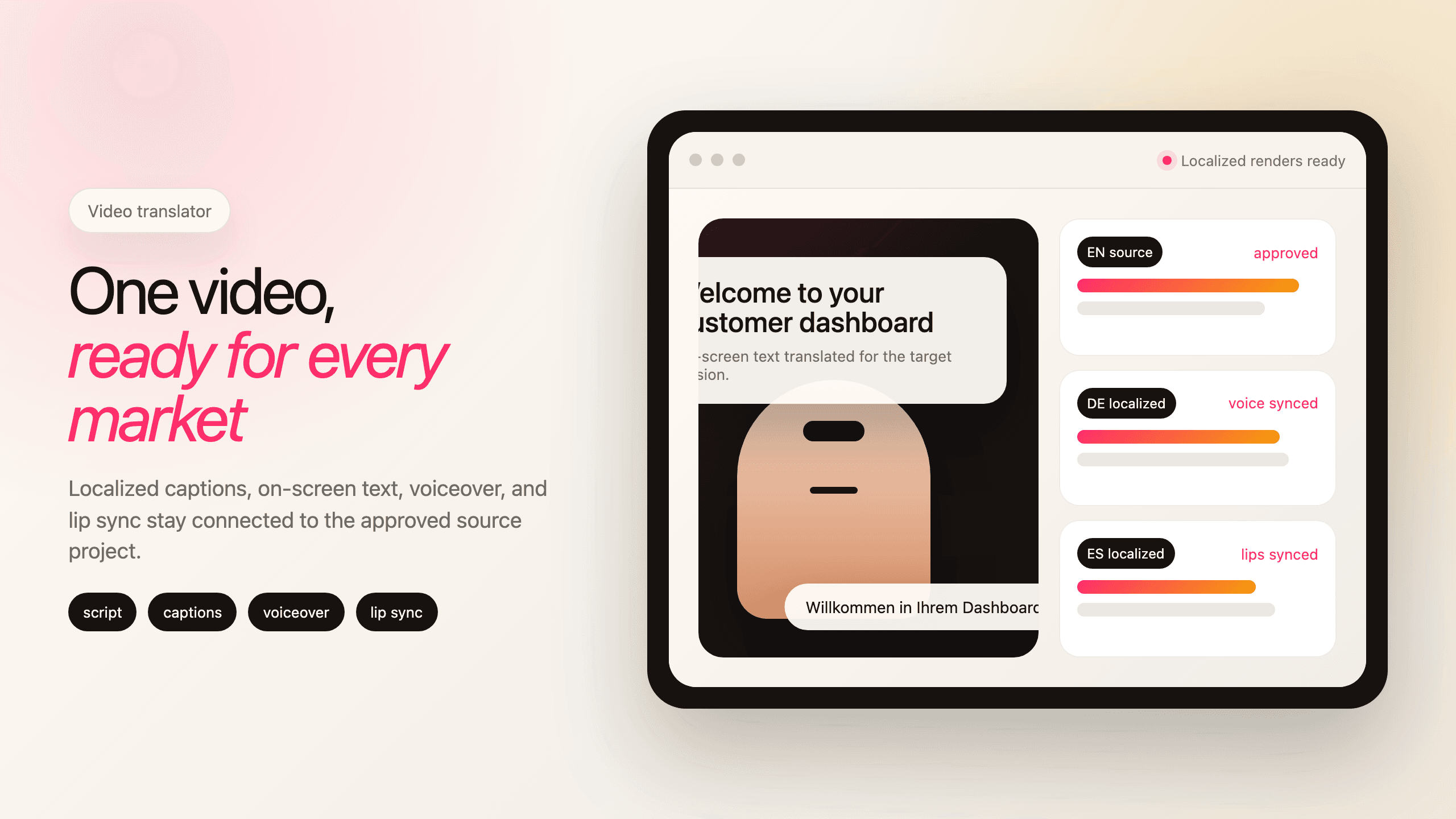
- Translate scripts and on-screen text into target languages from one approved project
- Burn translated captions into localized versions with brand styling intact
- Generate multilingual voiceover with matching tone and pacing
- Re-sync avatar and talking-head lip movements to the translated voiceover
Trusted by teams at


A translated script is not a localized video
When a business video moves into another market, every layer needs attention. The script changes, captions need timing, on-screen text can grow longer, voiceover needs a natural delivery, and avatar or talking-head scenes have to match the new audio.
Text changes in too many places
The script, subtitles, lower-thirds, callouts, titles, and CTAs often live in separate files or tools.
Voiceover creates a second production pass
A localized script still needs a voice, pacing, timing, and edits before it feels like the original video.
Talking-head clips expose bad sync
Translated audio can look wrong if avatar or presenter mouth movement is still tied to the source language.
Markets need review without losing the source
Teams need local variants while keeping the approved story, brand kit, and source project intact.
Translation & Localization keeps the source video and its localized variants connected.
Translate the video, not just the words
ngram localizes the visible and audible parts of a video from the same project: script, captions, on-screen text, voiceover, and lip sync.
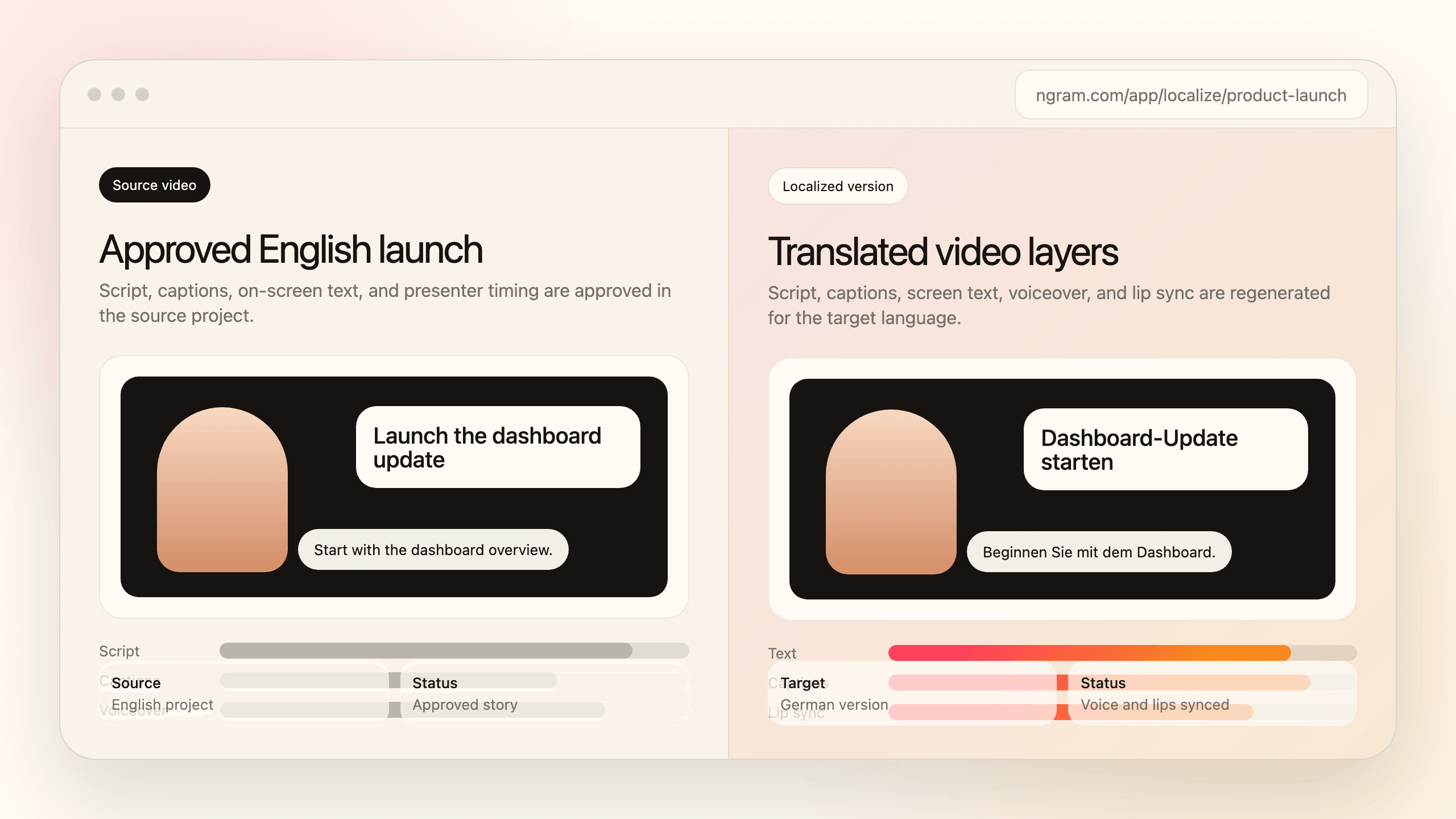
One approved project becomes market-ready versions without rebuilding each video by hand.
Translate the written layer
Translate the script, caption text, titles, callouts, lower-thirds, and CTAs while keeping the project structure intact.
Regenerate the spoken layer
Create target-language voiceover with tone and pacing matched to the localized script.
Re-sync the presenter layer
For avatar and talking-head videos, regenerate lip movements so the presenter matches the translated voiceover.
What changes when localization stays in the video project
The localized version keeps the source project close. Teams can review the same storyboard, scenes, captions, voiceover, and export settings instead of managing scattered files.
The approved message stays traceable
Localize from the same script and storyboard that produced the original video, so each market starts from the right message.
Caption translation stays tied to timing
Translated captions are burned into the localized video with brand-kit styling and timing connected to the final render.
Voiceover is regenerated for the target language
ngram creates target-language narration with tone and pacing fitted to the translated script.
Presenter motion can match the new audio
Avatar and talking-head lip movements are regenerated when translated voiceover changes the timing of speech.
How Translation & Localization works in ngram
Start from an approved video, choose the target market or language, review the localized layers, then render each version for the right channel.
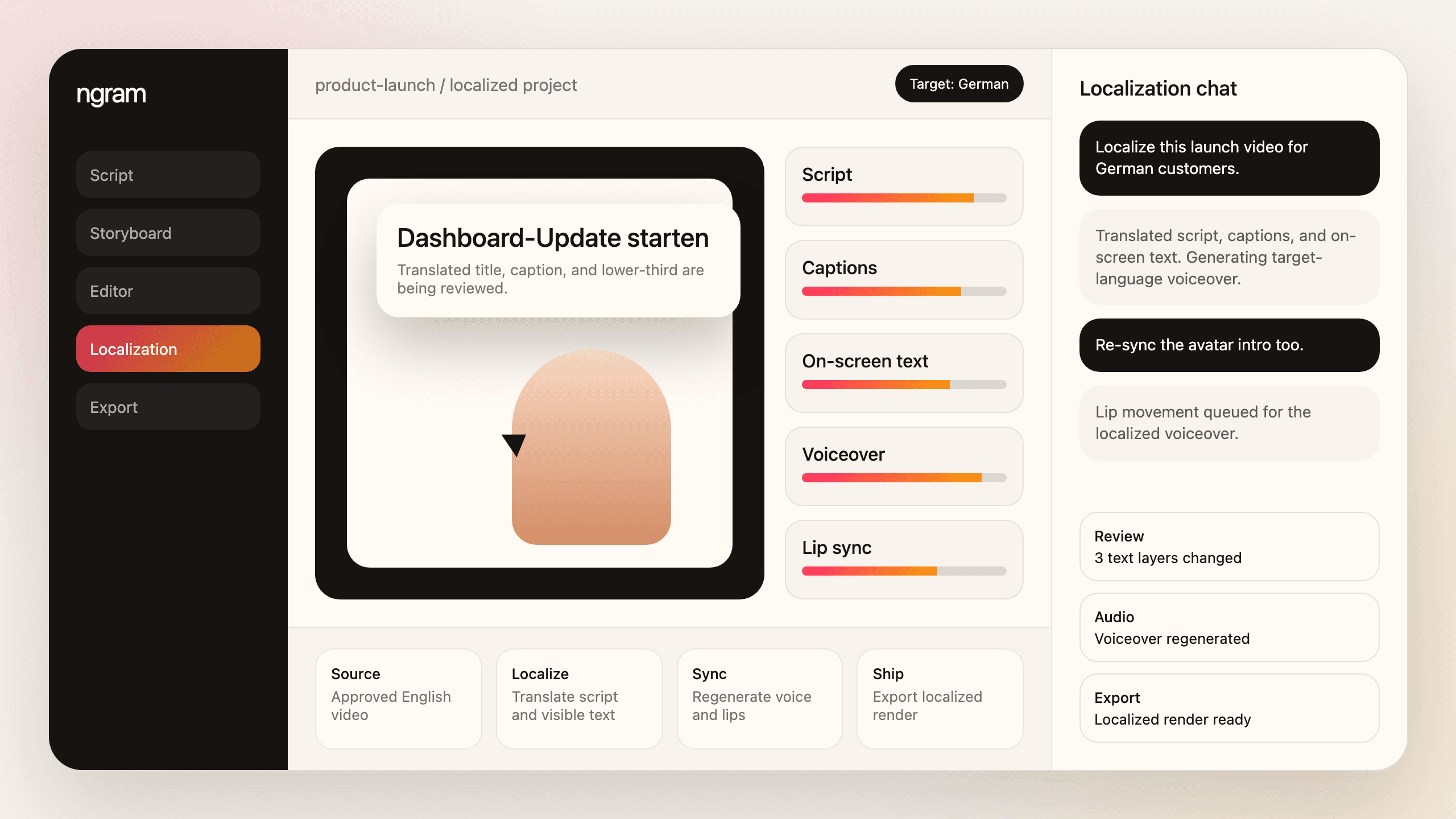
Start from an approved project
Use a finished or draft video with script, storyboard, captions, voiceover, on-screen text, and any avatar or talking-head scenes.
Choose the target language
Ask ngram to localize the video for a target language or market, including the script, captions, and visible text.
Review voice and lip sync
Regenerate target-language voiceover, then re-sync avatar or talking-head lip movements where those scenes appear.
Export the localized versions
Render market-specific videos with captions, on-screen text, voiceover, brand styling, and format settings applied.
Who uses Translation & Localization
Teams use localization when one approved video needs to work across regions, customer segments, or internal markets.
Product marketing
Translate launch scripts, captions, CTAs, and on-screen product labels while keeping the approved positioning intact.
Learning and development
Turn one SOP or training video into localized versions with translated captions, voiceover, and presenter sync where needed.
Customer success
Localize onboarding and support walkthroughs so customers can follow the steps with captions, narration, and translated screen text.
Sales enablement
Translate demo narration, captions, and CTAs before sharing prospect-specific videos across regions.
Where can you use Translation & Localization?
Use localization anywhere the same video needs to be understood by a different market, team, or customer segment.
Product Launch Video Maker
Turn the feature PRD, the screenshots, or a rough screen recording into a launch-ready video. A product launch video maker built for SaaS hands you back motion graphics, captions, brand polish, and every channel ratio — without an agency invoice or a missed release window.
Feature Announcement Video
Paste your release notes, the PRD, or the product URL. Get back a polished feature announcement video with motion graphics, captions, and your brand kit — ready to ship the same sprint the feature does.
Product Demo Video
Drop in a rough screen recording or paste your product URL. A product demo video maker built for SaaS hands you back a clean walkthrough with smart zooms, captions, and brand polish — no timeline editor in sight.
Sales Demo Video
Record your product once. Spin up a prospect-specific sales demo video for every deal in your pipeline — branded, captioned, and ready in fifteen minutes. No SE waitlist, no agency invoice, no "picture your data here."
Customer Onboarding Video
Turn help docs or a screen recording of the setup flow into a polished customer onboarding video new accounts actually finish. Reach first-value the same day, not the following week, without booking another live kickoff call.
Support Help Video
A customer support help video maker built for the broader knowledge base — troubleshooting flows, multi-step fixes, error-state recoveries. Smart zooms on every click, captions for muted browsing, embedded across the help center, chatbot, and in-app drawer. Fewer tickets. Faster resolutions.
Training Video
Turn your SOPs, screen recordings, and process docs into a corporate training video in under thirty minutes. Smart zooms on every click, step labels on every menu, captions burned in, branded intro applied — ramp new hires faster without booking a video team.
Internal Communication Video
Drop in a webcam recording, paste a written announcement, or upload the all-hands replay. An internal communication video maker built for distributed teams hands you back short, captioned, brand-matched updates employees finish across every timezone.
Translation & Localization compared with split workflows
This comparison is category-level. ngram keeps translation, captions, voiceover, lip sync, and export inside the same video project.
| Capability | ngram | Subtitle tool | Dubbing tool | Manual localization |
|---|---|---|---|---|
| Script and on-screen text translation | ● Translates script and visible text in the project | ~ Usually subtitle-focused | ~ Usually audio-focused | ● Possible with translators and designers |
| Caption translation | ● Translated captions render with brand styling | ● Main workflow | ~ Often separate from dubbing | ~ Requires timing checks |
| Target-language voiceover | ● Regenerates voiceover for the localized script | × No voiceover layer | ● Main workflow | ~ Requires separate recording or TTS |
| Avatar or talking-head lip sync | ● Regenerates lips to match translated audio | × No presenter sync | ~ Depends on the tool | ~ Requires specialist work |
| Same-project variants | ● Keeps source and localized versions connected | × Exports caption files only | ~ Audio may live separately | × Files spread across tools |
| Brand and export | ● Brand kit and export settings stay applied | ~ Caption styling only | ~ Audio export only | ~ Requires final assembly |
Use Translation & Localization with the rest of ngram
Localization works best when script, voice, presenter, edits, brand, and export stay connected in the same video workflow.
AI Voiceover
Generate target-language narration and keep audio connected to the localized scenes.
Dynamic AI Avatar Talking Head
Use avatar or talking-head presenters whose lip movements can be regenerated for translated voiceover.
Video Editing
Review and adjust localized scripts, captions, scenes, and audio before export.
Brand Kit
Keep localized captions, CTAs, colors, typography, and motion style consistent with the source project.
Multi-Format Export
Render localized videos in the aspect ratios and file types each channel needs.
Script Generation
Start from a clear script and storyboard before adapting the message for another language or market.
Start localization from the source you already have
Use these converter pages when a localized video starts from footage, text, docs, slides, URLs, or long recordings.
Video to Localized video
Bring an existing video into ngram, then translate captions, text, voiceover, and presenter sync.
Text to Video draft
Start from a script or announcement, then translate the approved video into market-specific versions.
Document to Localized video
Turn docs into a video project, then localize the script, captions, and voiceover.
Slides to Localized video
Convert a deck into video and translate slide-derived on-screen text for another market.
URL to Localized video
Build a video from a product page or article, then adapt it for another market.
Webinar to Localized clips
Cut long recordings into shorter clips, then translate captions and voiceover for regional sharing.
Tools that support video translation
Use focused tools when a localized video needs dubbing, captions, subtitles, voiceover, presenter sync, or final editing.
Video Translator
Translate video audio, captions, and lip-sync needs for a localized version.
Voice Dubber
Create target-language voiceover when an existing video needs localized narration.
Auto Subtitle Generator
Generate subtitle text before translating or burning captions into a localized render.
Add Subtitles to Video
Add translated subtitles to the final localized video with the right timing and style.
Video Caption Generator
Create captioned localized clips for social, training, support, or sales playback.
AI Voice Generator
Generate narration from translated scripts when a localized video needs a new voiceover.
AI Avatar Video Generator
Create presenter-led videos where translated voiceover and lip sync need to match.
Video Editor
Review localized captions, timing, audio, and scene layout before the final export.
Use localized videos with the integrations already live in ngram
Start localization work from live creation integrations, then publish approved localized videos through live publishing integrations.

Chrome Extension
Use the Chrome Extension when a webpage or product flow should become source material for a localized video.

Zapier
Trigger ngram work from Zapier when a request should create or localize a video task.

Make.com
Use Make scenarios to pass prompts, source links, or files into repeatable localization workflows.

n8n
Connect n8n workflows to ngram when internal systems need to request localized videos.

MCP Server
Let AI agents call ngram through MCP when a prompt, file, or source bundle should become a localized video.

Publish localized launch clips, demos, and customer explainers to LinkedIn after review.

YouTube
Send localized tutorials, walkthroughs, and explainers from ngram to YouTube.

X (Twitter)
Publish shorter localized clips and launch updates to X after review.
Only the integration detail pages that are live on ngram are listed here.
See all integrationsTranslation & Localization questions
Still curious?
Turn one approved video into localized versions
Use ngram to translate scripts, captions, on-screen text, and voiceover, then re-sync avatar or talking-head lip movements before export.
Translate the visible text, spoken audio, and presenter sync from the same project.
Script, captions, on-screen text, voiceover, lip sync, export