AI Voice Generator by ngram
AI Voice Generator Video Narration

Use narration, a product script, training copy, sales follow-up, or a short social voiceover
What it does
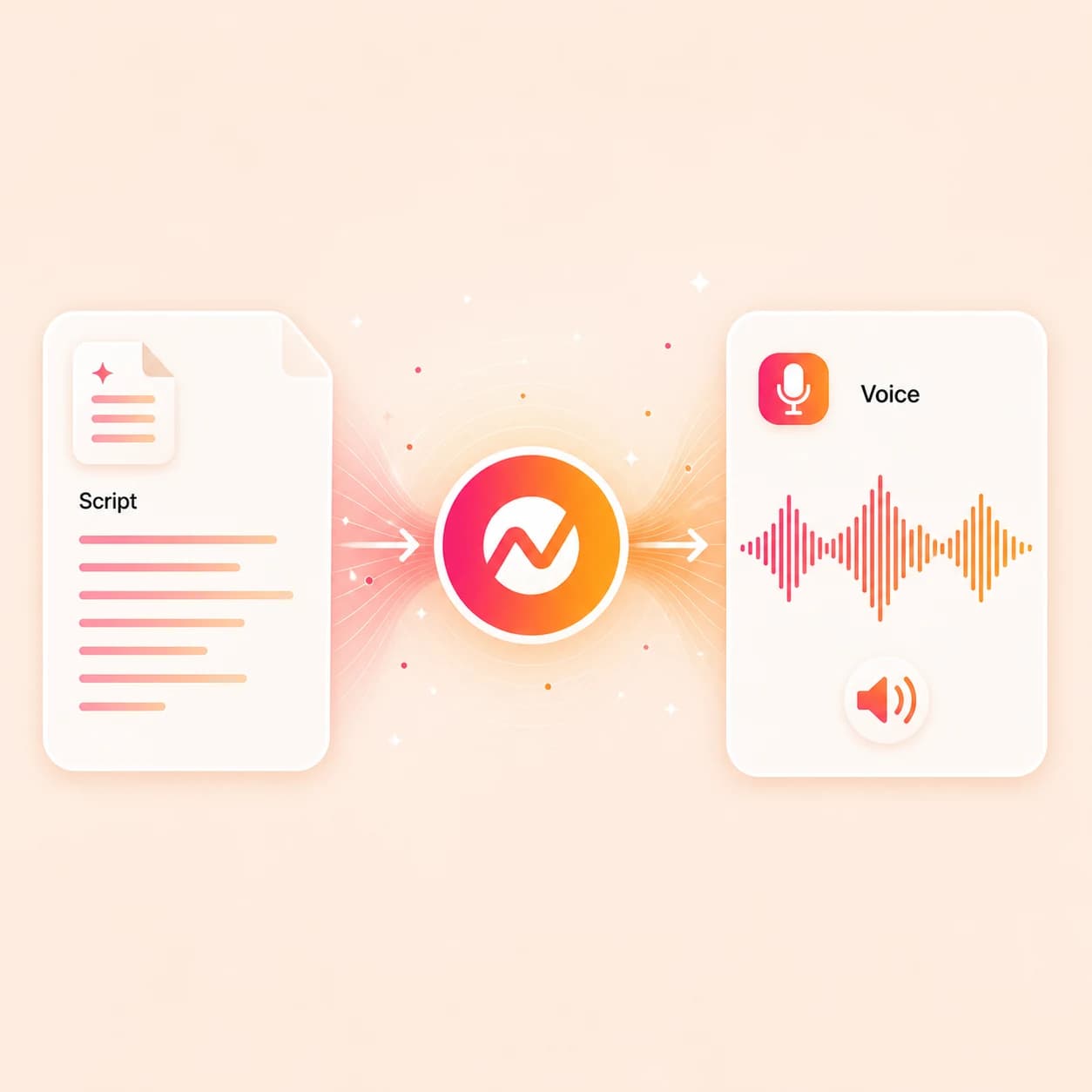
Paste a script, choose a voice from the ElevenLabs and MiniMax picker or your team's custom voice library, and generate narration that keeps captions, scenes, brand styling, translation, and export connected in one ngram project.
Trusted by teams at


How it works
From script to AI narration, inside the video.
Generate the voiceover, check it against the storyboard, then keep shaping the rest of the video around the same script and voice choice.
Paste or draft the script
Start with the narration you want to hear. If you only have a doc, URL, or release notes, ngram drafts the script first and then voices it.
Script ready
Pick a voice
Browse the ElevenLabs and MiniMax voices in the picker, or select a consent-based custom voice your team has saved under settings.
Voice selected
Generate the narration
ngram turns the script into voiceover, ties it to the storyboard, and aligns it with captions so spoken words and on-screen text track each other.
Voiceover generated
Edit, translate, export
Revise the script, swap the voice, regenerate a single line, translate the voiceover into another language, then export the finished video.
Ready for channels
What it can do
What the AI voice generator does inside ngram.
Generate narration as part of the video, not as a one-off audio file. The script, voice, captions, scenes, and export all stay connected.
Generate AI narration from text
Turn a product script, lesson, sales follow-up, or social caption into voiceover using ElevenLabs and MiniMax TTS, no recording session required.
Pick from a wide voice library
Choose from the voice picker that includes ElevenLabs voices and MiniMax voices, and switch the voice on any project without rewriting the script.
Use a custom team voice
Apply a consent-based custom voice from your team's voice library at /app/settings/voice when the narration should sound like a specific founder, exec, or brand presenter.
See custom voice setupKeep captions in sync
The same script drives captions and voiceover, so spoken words and burned-in captions stay aligned through every script edit.
Learn more about captionsVoice the same script in another language
Translate the script and regenerate multilingual voiceover, captions, and on-screen text from the original project.
Learn more about translationFinish the narrated video
Pair narration with scenes, brand kit, motion graphics, background music, intros, outros, and channel-ready exports.
Learn more about video editingBuilt for narrated business video
When it matters
Where AI-generated voice replaces a recording step.
These use-case pages fit teams that already have a script or source material and need narration plus a finished video, not just an audio file.
Training Video
Voice SOPs, lessons, and process docs into training videos with consistent narration, captions, scene structure, and brand applied.
Open AI video use caseCustomer Onboarding Video
Generate the voiceover for onboarding walkthroughs built from docs, screen recordings, and product URLs, with clear next steps after each section.
Open AI video use caseProduct Explainer Video
Voice product explainers built from docs, screenshots, and URLs, then keep the same script feeding captions, motion graphics, and brand styling.
Open AI video use caseInternal Communication Video
Voice announcements and leadership updates as async videos employees can watch on their own time, with the same voice across recurring updates.
Open AI video use caseHR Training Video
Voice HR training content with a steady narration style and brand treatment for policies, onboarding, and compliance modules.
Open AI video use caseDevRel Tutorial Video
Voice code walkthroughs and API tutorials so the narration explains each step while the screen recording shows the actual command or click.
Open AI video use caseSales Demo Video
Voice narrated demos from account notes and product context so reps can send a personalized follow-up without re-recording for every deal.
Open AI video use caseProduct Demo Video
Turn product recordings and source notes into a clear demo video with captions, brand, and export settings kept together.
Open AI video use caseFeature Announcement Video
Voice launch and release notes as short announcement videos with motion graphics, captions, and a branded closing card.
Open AI video use caseProduct stack
Features that turn an AI voice into a finished video.
These product pages explain the pieces that move script and voice through captions, visuals, brand, translation, and export.
AI Voiceover
The voice engine behind this tool. Generate narration with ElevenLabs and MiniMax TTS, pick voices, and apply consent-based custom voices.
Learn more about AI voiceoverScript Generation
Turn prompts, PDFs, URLs, screenshots, and rough notes into a structured script the AI voice generator can narrate.
Learn more about script generationCaptions & Subtitles
Generate captions from the same script that powers the voice, so spoken narration and burned-in text stay aligned.
Learn more about captionsTranslation & Localization
Translate the script and regenerate multilingual voiceover, captions, and on-screen text for localized variants.
Learn more about translationBrand Kit
Apply tone preferences, approved phrases, blocked phrases, and brand-aligned voice direction to every generated narration.
Learn more about brand kitMotion Graphics
Add lower thirds, callouts, and animated overlays that sit on top of the voiced scenes, timed to the narration.
Learn more about motion graphicsMulti-Format Export
Render the narrated project as MP4, GIF, WebM, image, or PPTX for different channels and audiences.
Learn more about exportMore tools
More tools that work alongside the AI voice generator.
Use these when the voice needs a video around it, captions on top of it, translation across it, or a different starting point feeding into it.
Turn the voice into a video
Wrap narration with scenes, presenters, or a timeline
Text to Speech Video
Generate the full narrated video from the same script, with scenes, captions, brand, and export in one project.
Open toolAI Avatar Video Generator
Pair the generated voice with an AI presenter when the message needs a face on screen, not only narration.
Open toolVideo Editor
Edit clips, audio, captions, and scenes after the voiceover lands in the timeline.
Open toolCaption and localize the narration
Make the spoken script readable, searchable, and reusable
Add Subtitles to Video
Generate timed subtitles from the AI voice and style them with the brand kit.
Open toolVideo Translator
Translate the narrated video into another language with localized captions, on-screen text, and voiceover.
Open toolVoice Dubber
Replace an existing video's spoken track with translated voiceover that matches scene timing.
Open toolPrep or polish the sound
Clean the source, balance the mix, or pull script from existing audio
Remove Background Noise from Audio
Clean a recording before using it as reference material for a custom voice or as source narration.
Open toolAdd Music to Video
Layer background music under the AI narration and keep the spoken track legible.
Open toolAudio to Text
Transcribe an existing recording into editable text when the AI voice should re-read an old script.
Open toolConvert
Start with the source before the AI voice reads it.
Pick a converter when the script for the AI voice should come from a deck, doc, page, recording, or article instead of a blank text box.
Text to Video
Start with the script the AI voice should read, then let ngram build scenes, captions, and an editable timeline around it.
Open converterPPT to Video
Turn a slide deck into narrated scenes the AI voice reads, with slide pacing, captions, motion, and brand treatment.
Open converterURL to Video
Point ngram at a product page, blog post, or release notes URL, draft the script, then voice it without leaving the project.
Open converterWho it is for
Teams that need a steady AI voice across business videos.
These solution pages fit teams that record the same kinds of videos every week and need narration that sounds consistent across them.
Product Marketing
Voice launch videos, explainers, and sales enablement clips with a consistent voice across every release.
See product marketing workflowsCustomer Success
Voice onboarding, QBR recaps, and feature education content so customers hear the same person each time.
See CS workflowsSales Enablement
Voice narrated demos, follow-ups, and proposal walkthroughs from talk tracks so reps stop re-recording for every deal.
See sales workflowsDeveloper Relations
Voice API tutorials, integration guides, and conference recaps with steady narration that matches the technical script.
See DevRel workflowsEducators
Voice lessons, course modules, and explainer videos with a consistent voice across an entire curriculum.
See educator workflowsHR & Internal Comms
Voice policy updates, training scripts, and recurring announcements with one voice across the company.
See HR workflowsSupport Teams
Voice FAQ and help videos from repeated answers so customers can listen instead of reading a long article.
See support workflowsIntegrations
Route narrated work into the rest of production.
Each integration below is a live ngram integration route. Recipes are written for the AI voice generator specifically, not generic ngram automation.
Zapier
No-codeWhenA new release note, doc, or marketing brief is approved in Notion, Google Docs, or another tool
ThenSend the text into ngram to draft the script and queue an AI voice generation pass
n8n
WorkflowWhenA weekly product or training update enters the content pipeline
ThenRun a recurring step that voices the new script with the team's chosen AI voice and pushes the narrated video into review
Make
ScenarioWhenA campaign asset is approved and needs an AI-voiced video variant
ThenBranch the scenario into ngram for narration, captions, and a finished video
MCP Server
AgenticWhenAn agent needs an AI-voiced video back from a longer workflow
ThenCall the ngram MCP endpoint to generate the voice and return the share link or asset
Chrome Extension
CaptureWhenYou hit a page that should become a narrated explainer
ThenCapture the page and send it into ngram as the script source for the AI voice
YouTube
PublishWhenA narrated tutorial or product update is approved
ThenMove the AI-voiced video toward YouTube publishing without leaving ngram
WhenA short narrated clip is ready for a launch or thought-leadership post
ThenPublish the AI-voiced clip to LinkedIn from the finished project
For programmatic narration workflows, the public API, webhooks, presigned uploads, and MCP endpoint can drive script-to-voice jobs at scale.
Why ngram
How ngram compares as an AI voice generator.
The named alternatives below all publish text-to-speech and voice cloning products. The right tool depends on whether the deliverable is an audio asset or a finished video.
| Compare | ngram | ElevenLabs | Murf | Resemble AI |
|---|---|---|---|---|
| Workflow fit | Generates AI voiceover with ElevenLabs and MiniMax TTS inside the same project that holds the script, scenes, captions, and brand kit. | Publishes a dedicated AI audio platform covering text-to-speech in 70+ languages, voice cloning, a voice library, and the same voices ngram surfaces through the picker. | Markets text-to-speech with 200+ voices, 35+ languages, voice changing, AI dubbing, and Canva, Google Slides, and PowerPoint plugins. | Publishes voice cloning, text-to-speech, speech-to-speech, watermarking, and deepfake detection across audio, image, and video. |
| How ngram fits | Supports a consent-based custom voice library per team at /app/settings/voice, plus the voice picker for standard library voices. | Strong fit when the deliverable is an audio asset, a voice agent, or developer-facing TTS via API and SDK. | Strong fit for studio-style voiceover production where the team works in audio first and exports to other tools. | Strong fit when authenticity, watermarking, or deepfake defense is part of the brief. |
| Best use | Multilingual narration is part of the project, so translated voice, captions, and on-screen text export together as variants. | Pair with ngram when the same narration needs scenes, captions, branding, and a finished business video around it. | Choose ngram when the script, voice, captions, scenes, and export need to live in one video project instead of being assembled across tools. | Use ngram when the work is generating a narrated business video and the audio sits inside a script-driven storyboard. |
FAQ
Common questions about the AI voice generator
Still curious?
Give every script a voice
Generate narration from a script with ElevenLabs and MiniMax voices, then keep the project ready for captions, translation, brand, motion graphics, and channel-ready export.
Use the focused AI voice generator now, then finish the full narrated video in ngram.
Voice, captions, translation, export