
What it does
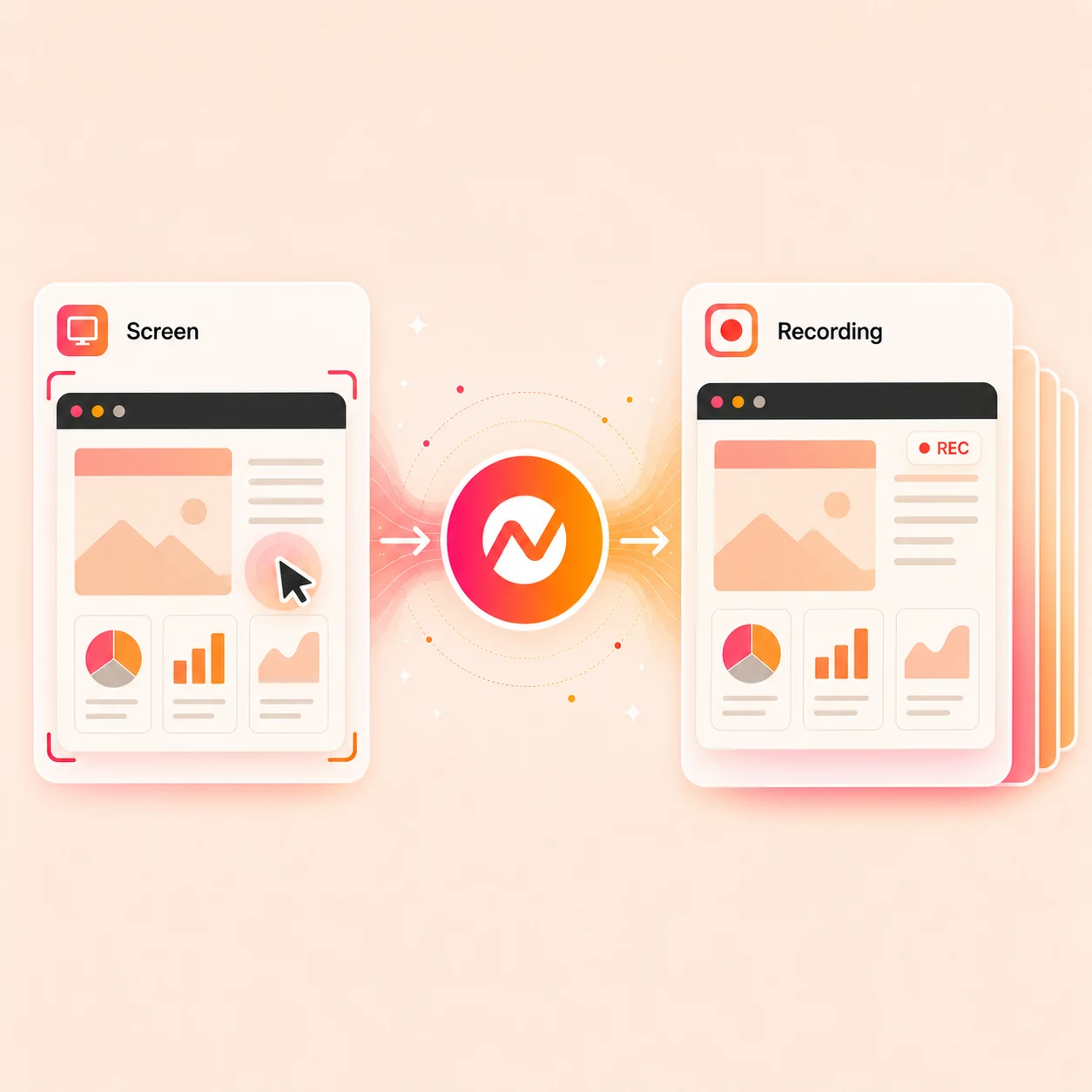
Capture a product walkthrough, bug report, tutorial, customer update, or training step, then let ngram turn the rough recording into a video with captions, zooms, callouts, and brand.
Trusted by teams at


How it works
From raw capture to finished walkthrough.
Record the workflow, let ngram read the key moments, then turn the capture into a clear video.
Choose what to capture
Start with a tab, window, screen, or existing recording that shows the product flow you want viewers to understand.
Capture ready
Record the walkthrough
Talk through the steps naturally. The rough take can include pauses, detours, or repeated actions because the edit happens next.
Raw take saved
Polish the recording
ngram can transcribe the recording, identify key moments, add smart zooms, smooth the cursor, emphasize clicks, trim dead air, and add step labels.
Walkthrough shaped
Export or keep editing
Add captions, voiceover, text, brand kit, translations, music, or channel formats from the same video project.
Ready for channels
What it can do
What happens after the screen is recorded.
ngram treats the recording as source material for a finished business video with captions, callouts, brand, and export.
Record or upload a capture
Start from a new browser recording or bring in a screen recording you already made.
Make actions easier to follow
Use screen-recording polish for cursor smoothing, click emphasis, smart zooms, step labels, and section transitions.
Add captions from speech
Transcribe the recording and turn the explanation into styled captions viewers can follow without sound.
Add product context
Place callouts, labels, lower thirds, and on-screen notes where the recording needs extra explanation.
Export for each channel
Keep editing or render versions for demos, tutorials, help centers, social posts, or internal channels.
Part of the ngram screen-recording workflow
When it matters
Where a screen recording becomes the source material.
These use-case pages are the closest matches for product captures, tutorials, support walkthroughs, and internal updates.
Product Demo Video
Turn rough product recordings into demos with captions, callouts, zooms, and a polished narrative.
Open AI video use caseProduct Walkthrough Video Creator
Create step-by-step product walkthroughs with callouts, captions, and visual guidance from rough recordings.
Open AI video use caseTutorial Video
Create tutorial videos from rough screen recordings with step labels, captions, zooms, and branded context.
Open AI video use caseHelp Center Video
Turn support articles or screen recordings into video guides with captions, callouts, and clear steps.
Open AI video use caseCustomer Onboarding Video
Turn docs, URLs, and screen recordings into onboarding videos that guide users toward first value.
Open AI video use caseTraining Video
Turn SOPs, lessons, or recordings into training videos with captions, structure, and repeatable branding.
Open AI video use caseSupport Feature Walkthrough Video
Create feature walkthrough videos from product captures, support context, captions, and clear visual steps.
Open AI video use casePM Product Demo
Turn a product manager's rough demo recording into an update stakeholders can watch without another meeting.
Open AI video use caseSales Product Demo
Create personalized sales demos with product context, captions, callouts, and a narrative buyers can share.
Open AI video use caseProduct stack
Features built for screen-recording polish.
These product pages explain the parts of ngram that turn a capture into something viewers can actually use.
Screencast Understanding and Editing
Upload a screen recording and let ngram transcribe it, find key moments, and turn it into a polished demo or tutorial.
Learn more about screencast editingVideo Editing
Use the timeline, canvas controls, or chat edits to adjust clips, audio, captions, and effects.
Learn more about video editingMotion Graphics
Add smart zooms, callouts, lower thirds, transitions, and branded text overlays.
Learn more about motion graphicsCaptions & Subtitles
Generate captions from the recording and style them for the brand kit.
Learn more about captionsBrand Kit
Apply logos, colors, fonts, motion style, screenshot style, voice, and approved phrases.
Learn more about brand kitMulti-Format Export
Render the same walkthrough for widescreen, vertical, square, and other delivery formats.
Learn more about export formatsMore tools
Related tools for screen recordings.
Use these public tool pages when the capture needs captions, cleanup, trimming, text, or a generated alternative.
Polish the recording
Turn the raw capture into a clearer walkthrough
Create from other sources
Use source material when recording is not the best starting point
Text to Speech Video
Turn a script into a narrated video when the screen does not need to be recorded.
Open toolAudio and captions
Make the spoken explanation easier to follow
Video Caption Generator
Create captioned versions for social, support, and internal channels.
Open toolConvert
Convert rough source material into a video workflow.
These converter pages are useful when the screen recording is one input among docs, screenshots, URLs, and support content.
Screen Recording to Video
Turn a raw capture into a polished walkthrough with captions, zoom effects, transitions, and brand consistency.
Open converterScreenshots to Video
Use still product screens as visual source material when a full recording is not available.
Open converterProduct Docs to Video
Turn technical docs, product specs, or READMEs into branded video tutorials.
Open converterWho it is for
Teams that turn screen captures into reusable video.
These solution pages fit the teams most likely to record product flows, explain changes, or answer repeat questions.
Product Marketing
Launch demos and feature videos built from product recordings, release notes, and screenshots.
See product marketing workflowsCustomer Success
Onboarding and QBR videos that explain product value without repeating the same live walkthrough.
See CS workflowsSales Enablement
Personalized product demos and follow-up videos based on account context.
See sales workflowsSupport Teams
Help center and ticket response videos that turn repeated answers into reusable walkthroughs.
See support workflowsDeveloper Relations
API walkthroughs, integration guides, and code demos that need screen context.
See DevRel workflowsProduct Managers
Roadmap, changelog, and release updates that show exactly what changed.
See product workflowsIntegrations
Start and route recordings from the tools around your team.
Each integration below is a public ngram integration page and maps to a live local route.
Chrome Extension
CaptureWhenYou are viewing the page or product flow that needs a walkthrough
ThenSend source context into ngram
Zapier
No-codeWhenA ticket, lead, or onboarding task asks for a video response
ThenCreate the ngram video task and notify the owner
n8n
WorkflowWhenA product or support workflow needs automated video routing
ThenSend the source into ngram for production
Make.com
ScenarioWhenA recorded asset is approved for a campaign or help center update
ThenMove the next video version through review
MCP Server
AgenticWhenAn AI agent needs a video from source material
ThenCall ngram through the MCP endpoint
WhenA polished demo clip is ready for a launch or update
ThenPublish it to LinkedIn
YouTube
PublishWhenA tutorial or demo is ready for a public channel
ThenPublish it to YouTube
Why ngram
How ngram compares with other screen recording paths.
The alternatives below are named because their public pages describe screen recording or adjacent capture workflows.
| Compare | ngram | Loom | Screen Studio | OBS |
|---|---|---|---|---|
| Workflow fit | Best fit when the recording should become a demo, tutorial, support video, or update. | Loom is widely used for recording screen, voice, and face and sharing the result with a link. | Screen Studio focuses on macOS screen recordings with automatic zoom, cursor smoothing, and polished exports. | OBS is a recording and live-streaming app with scenes, sources, transitions, and audio controls. |
| How ngram fits | Keeps capture, captions, callouts, brand, resizing, and export in the same video workflow. | Good fit for async messages, quick updates, and review threads. | Good fit for creators who want a dedicated desktop screen-recording app. | Good fit for advanced capture setups and livestream production. |
| Best use | Useful when the screen recording is source material, not the final asset. | Compare it with ngram when the recording needs AI editing, brand treatment, and multi-format production. | Compare it with ngram when the capture also needs script, captions, source context, and business video variants. | Compare it with ngram when the rough recording should be turned into a finished business video. |
FAQ
Common questions about online screen recording
Still curious?
Record once. Explain it clearly.
Capture the screen flow, then turn the rough recording into a branded video with captions, zooms, callouts, and export-ready formats.
Use the focused recorder now, then finish the full video in ngram.
Screen capture, polish, export