Everything you need to create professional videos
ngram has all the tools you need to transform your ideas into polished, professional videos.
16 of 16 features

AI Visuals
Use AI Visuals to generate brand-matched scene imagery for videos from scripts, screenshots, docs, URLs, and product material inside ngram.
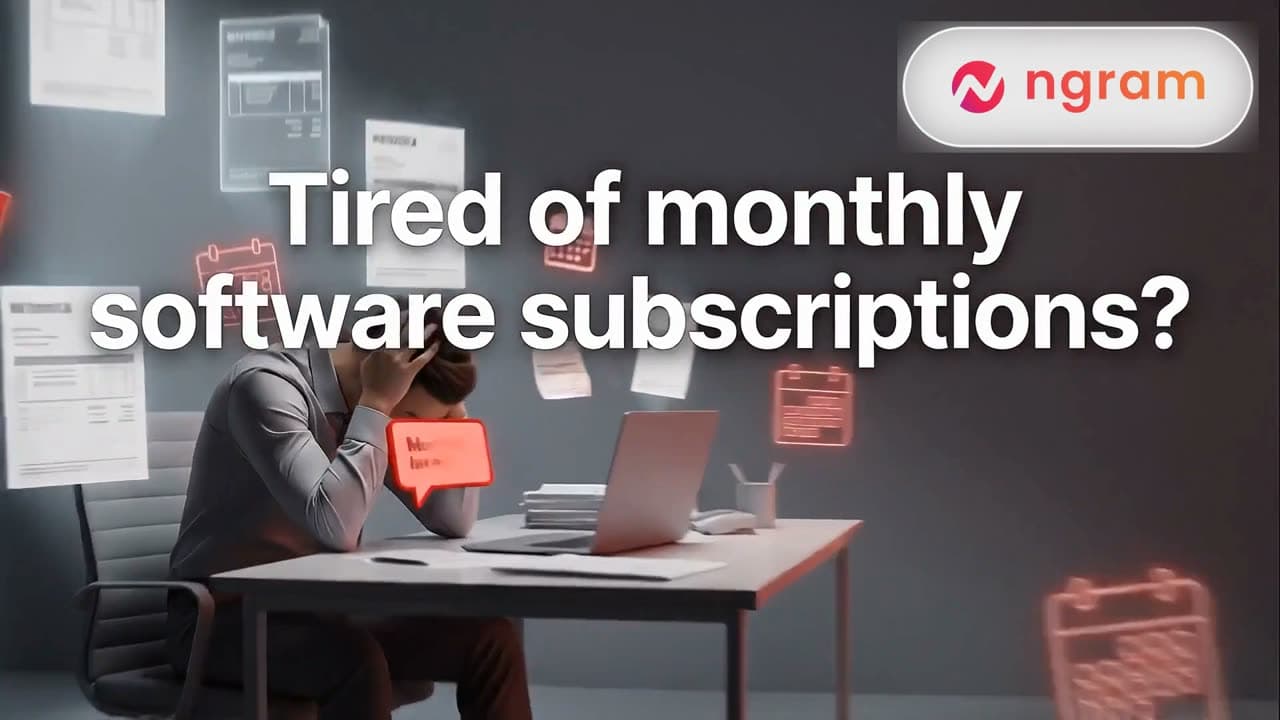
AI Voiceover
Use AI Voiceover to turn video scripts into narration with voice selection, team voice libraries, multilingual variants, and scene-aware edits.
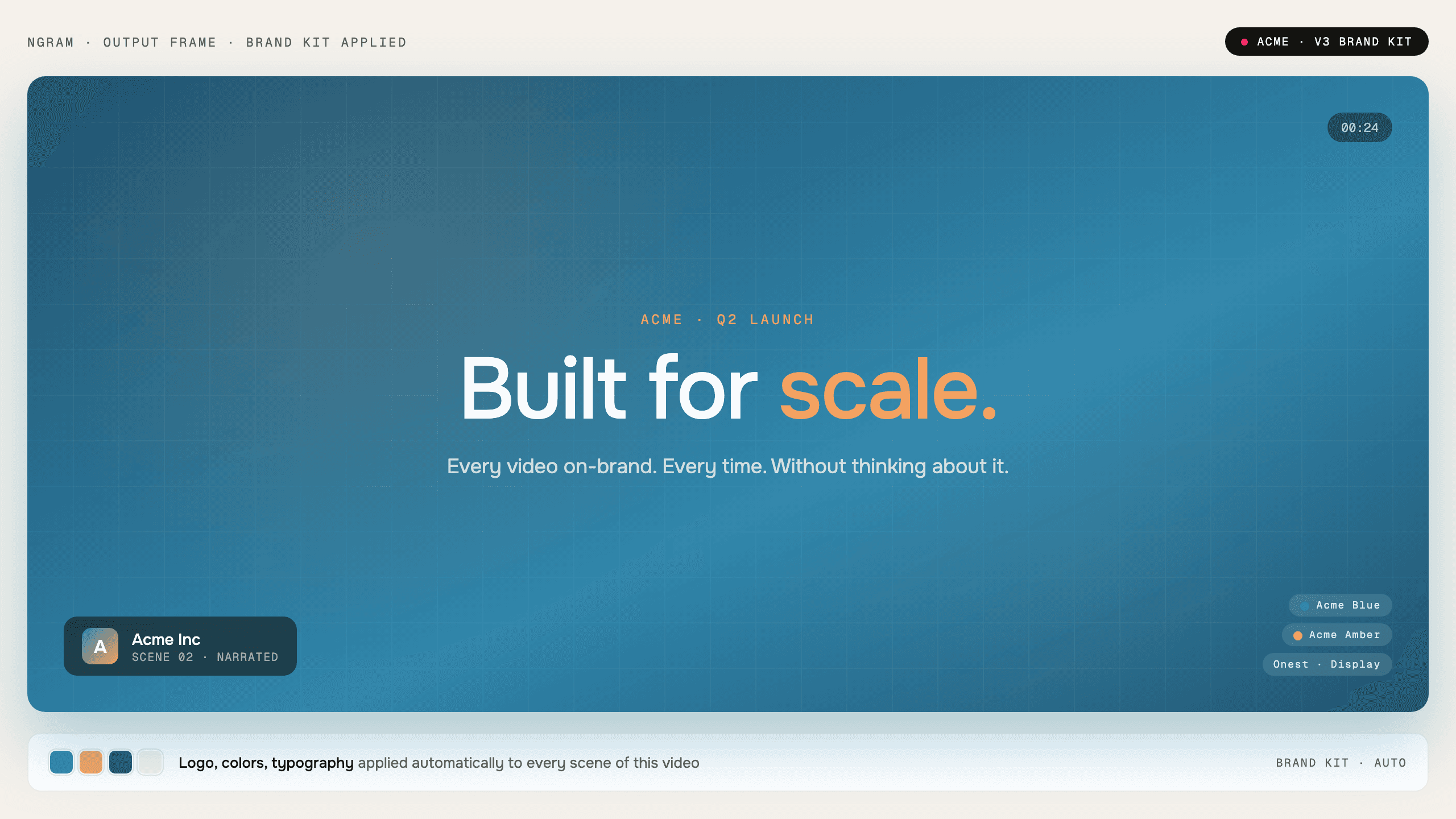
Brand Kit
Use Brand Kit to apply logos, colors, fonts, motion style, screenshot style, voice, tone, approved phrases, and blocked phrases to ngram videos.
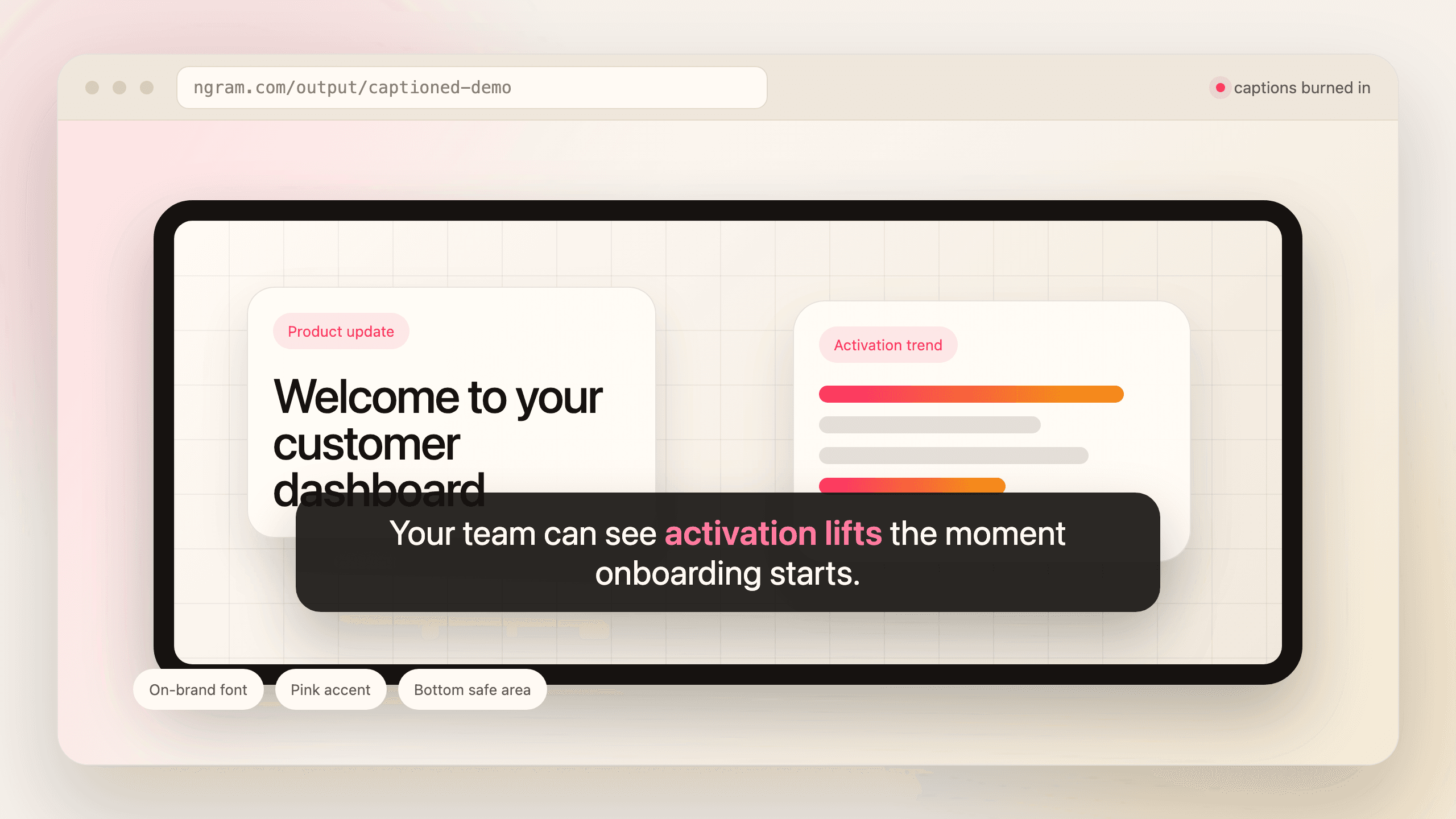
Captions & Subtitles
Use ngram as a caption generator for videos. Auto-generate burned-in captions, style subtitles with your brand kit, and translate captions for localized cuts.
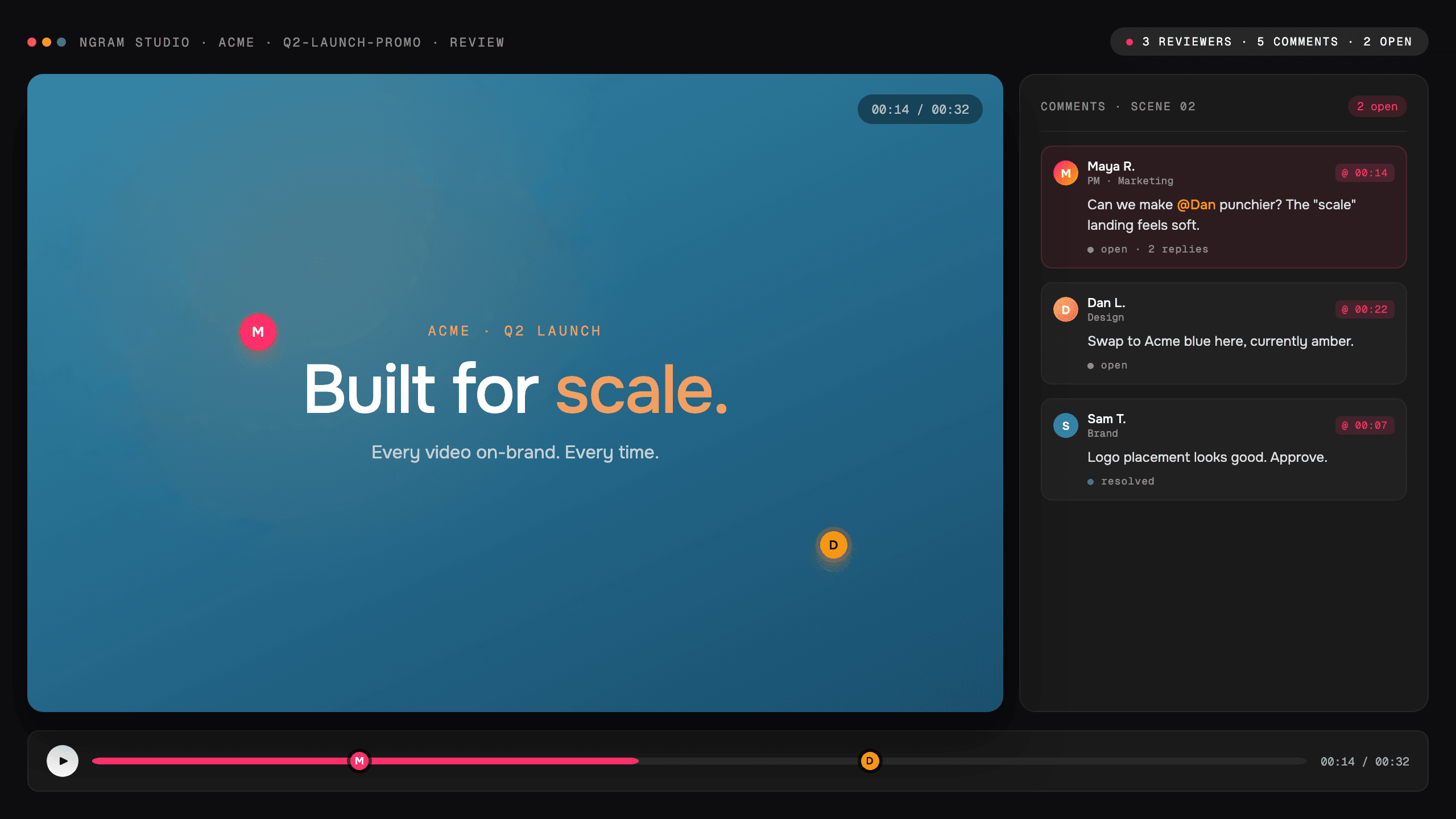
Collaboration
Use ngram collaboration to work in shared team workspaces with shared brand kits, asset libraries, reviewable projects, and team roles.

Dynamic AI Avatar Talking Head
Use ngram AI avatars to create talking-head videos from a script, stock avatar, approved team face, or generated on-brand presenter with synced lip movements.
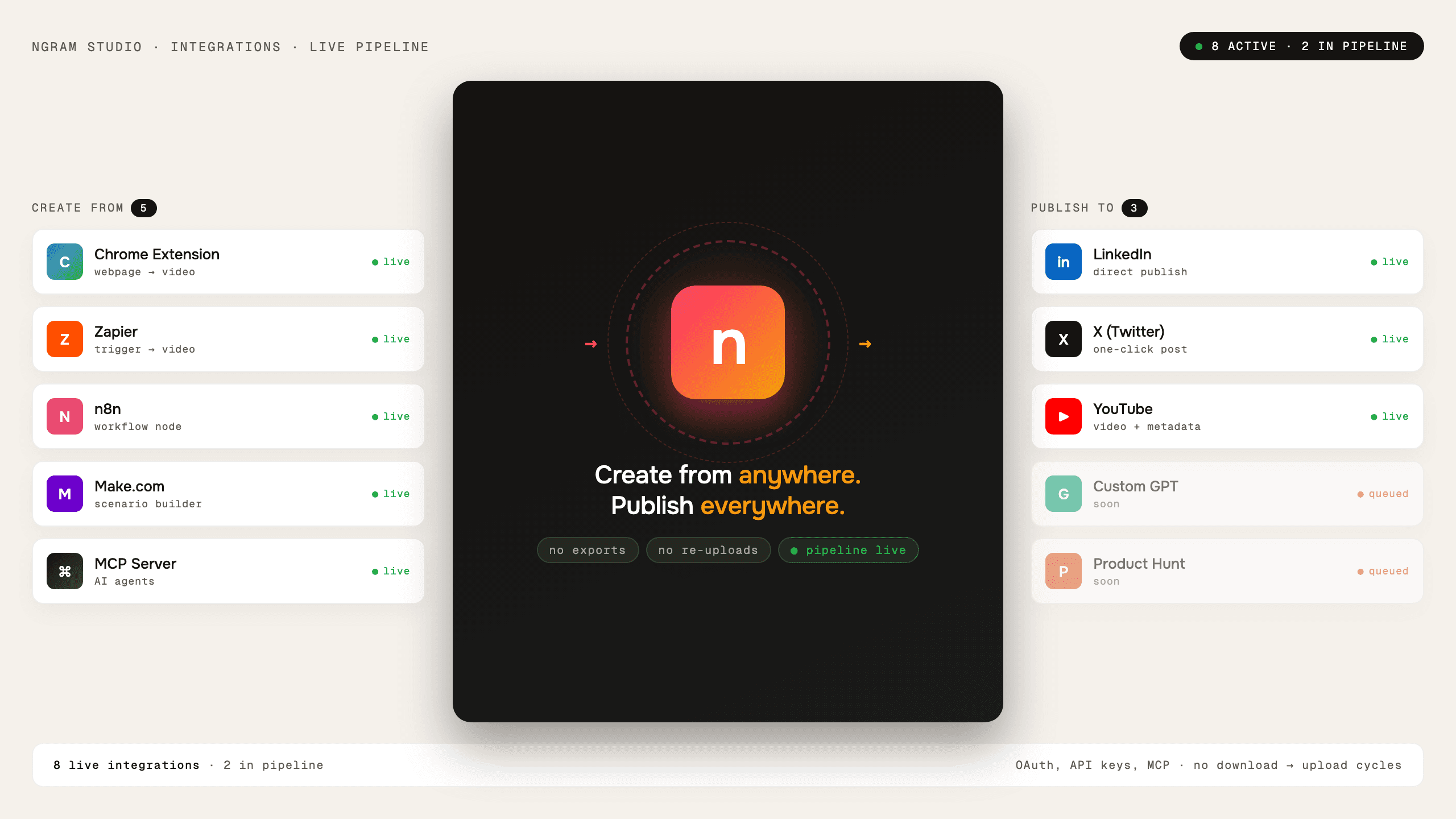
Enterprise Integrations
Connect ngram to automation, API, webhook, MCP, browser capture, and publishing workflows for governed business video creation.
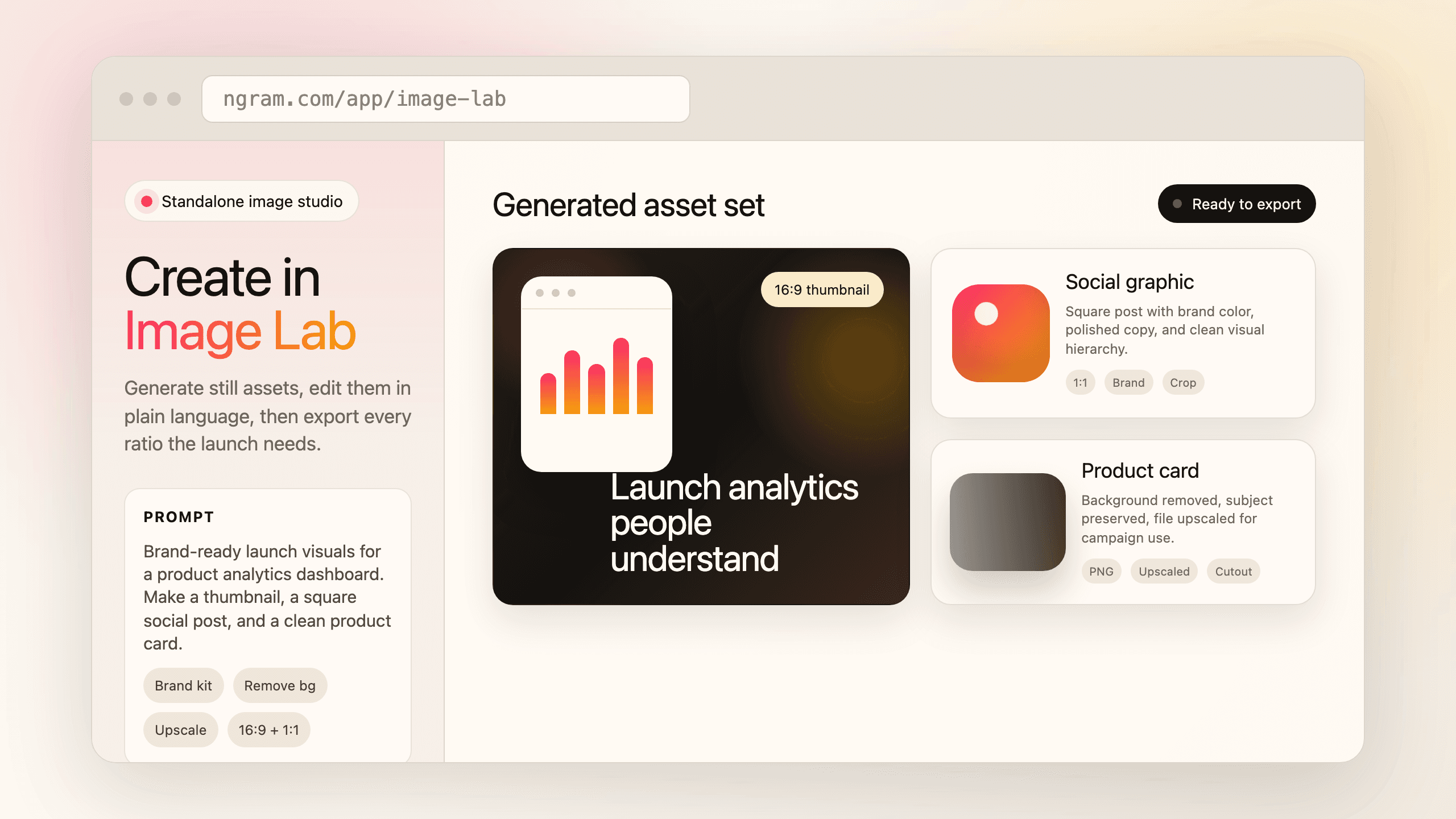
Image Lab
Use ngram Image Lab as an AI image generator for thumbnails, social graphics, product cards, background removal, upscaling, semantic crop, and brand-styled edits.
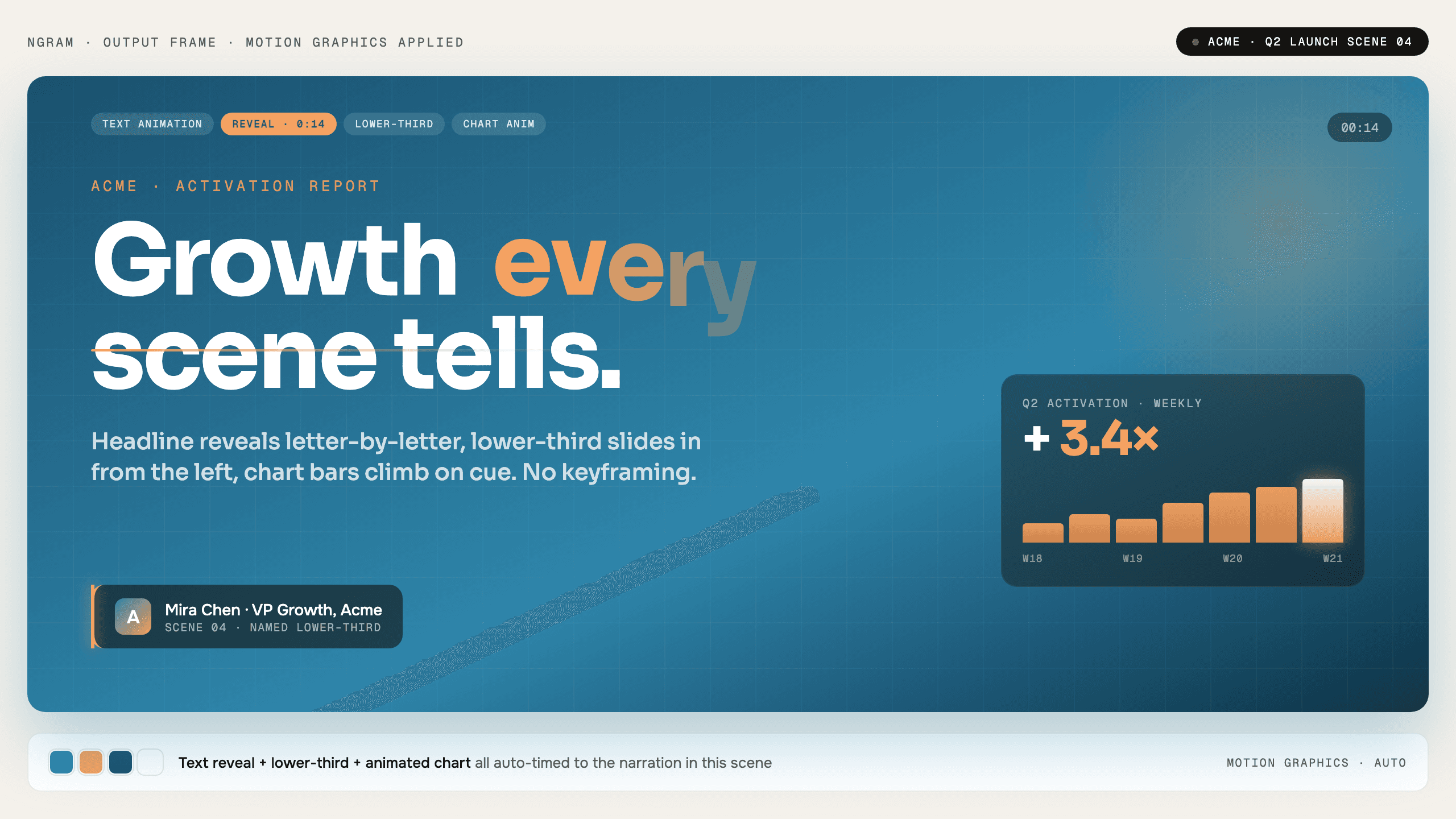
Motion Graphics
Use ngram Motion Graphics to add branded overlays, product callouts, animated graphics, transitions, and React-based motion scenes to videos.
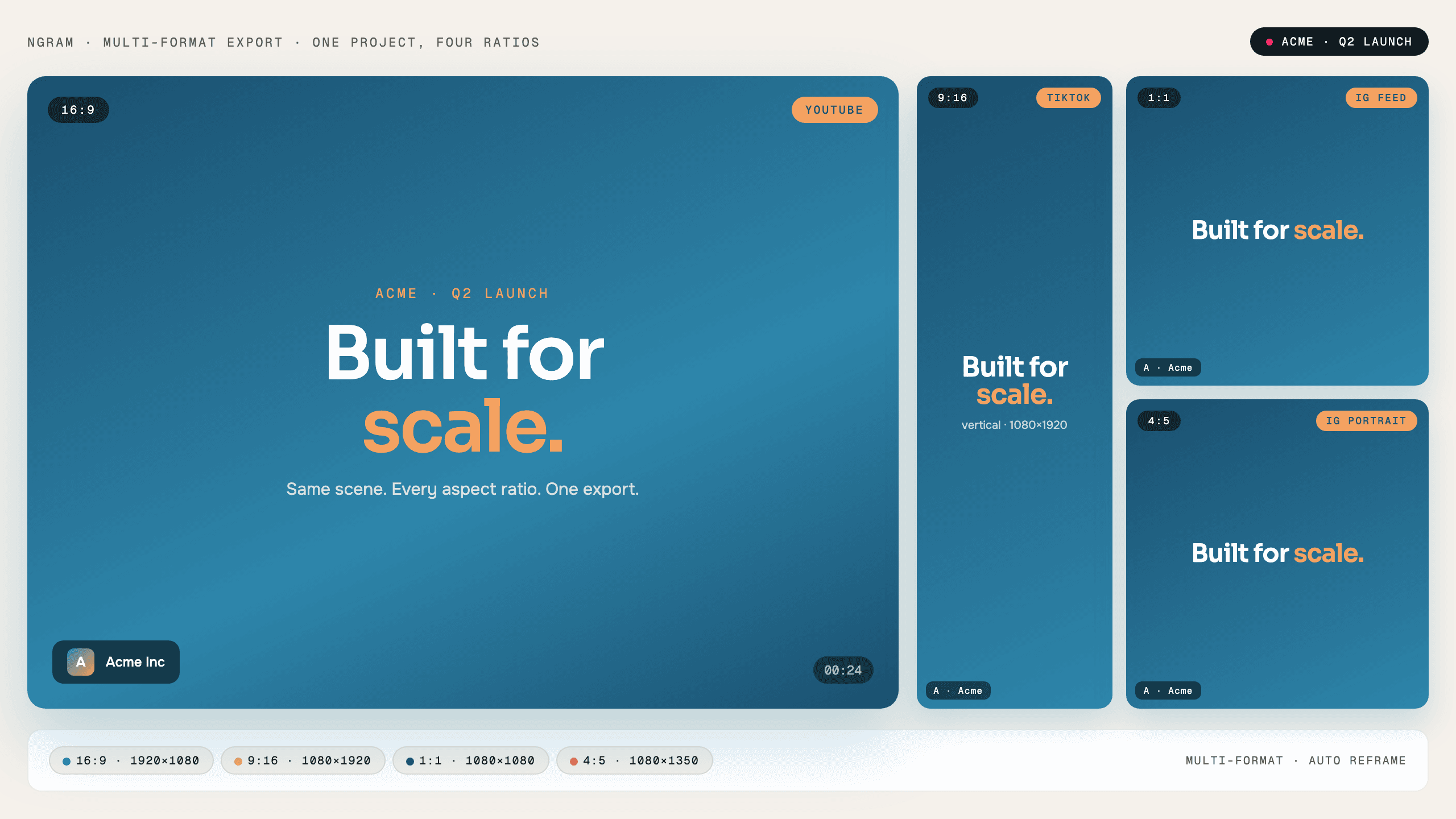
Multi-Format Export
Use Multi-Format Export to render ngram videos as MP4, GIF, WebM, PNG, JPG, and PPTX outputs with channel-ready aspect ratios.
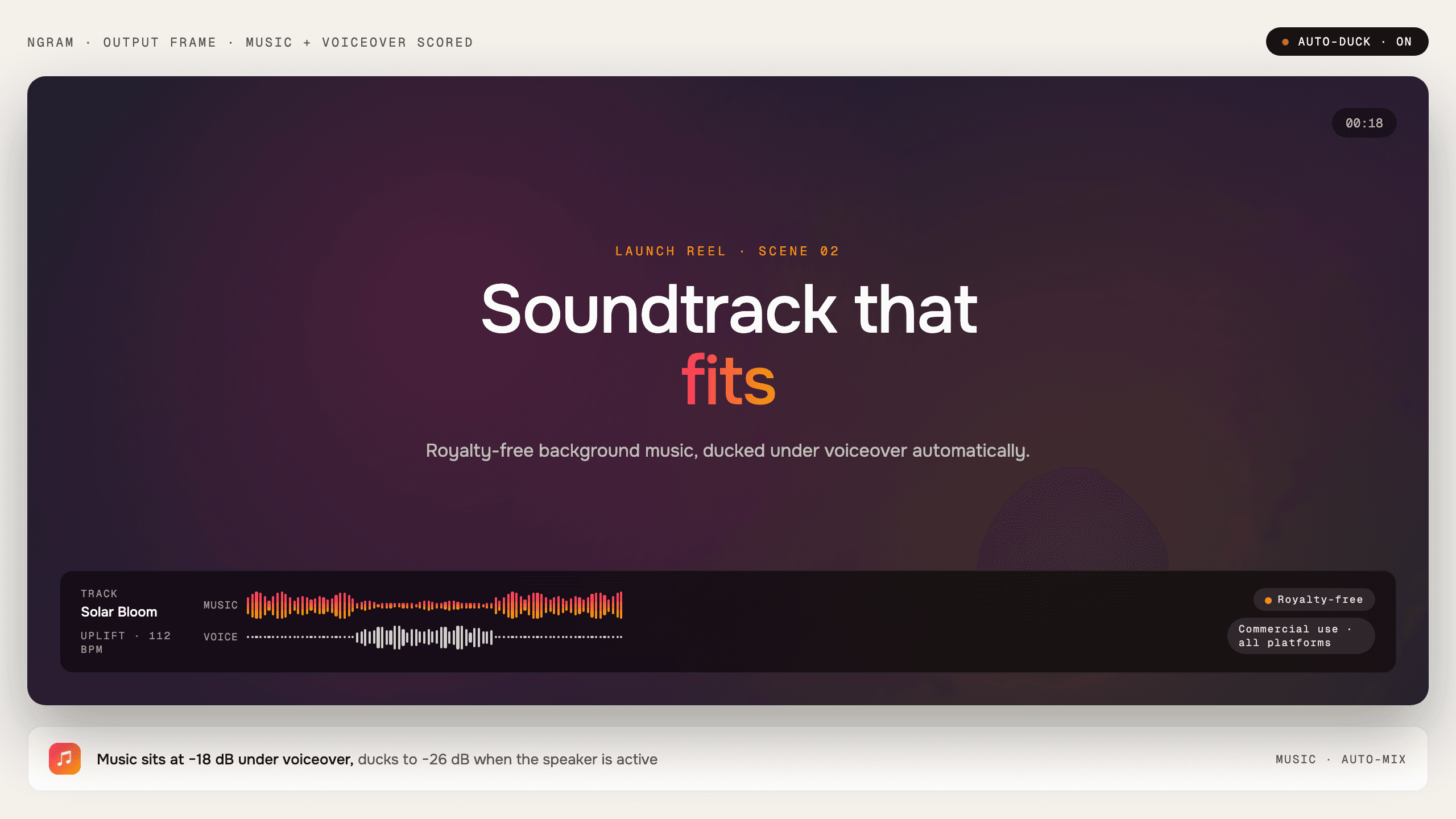
Music
Use ngram Music to add background tracks selected for the tone and pacing of your video, with narration kept clear in the final edit.
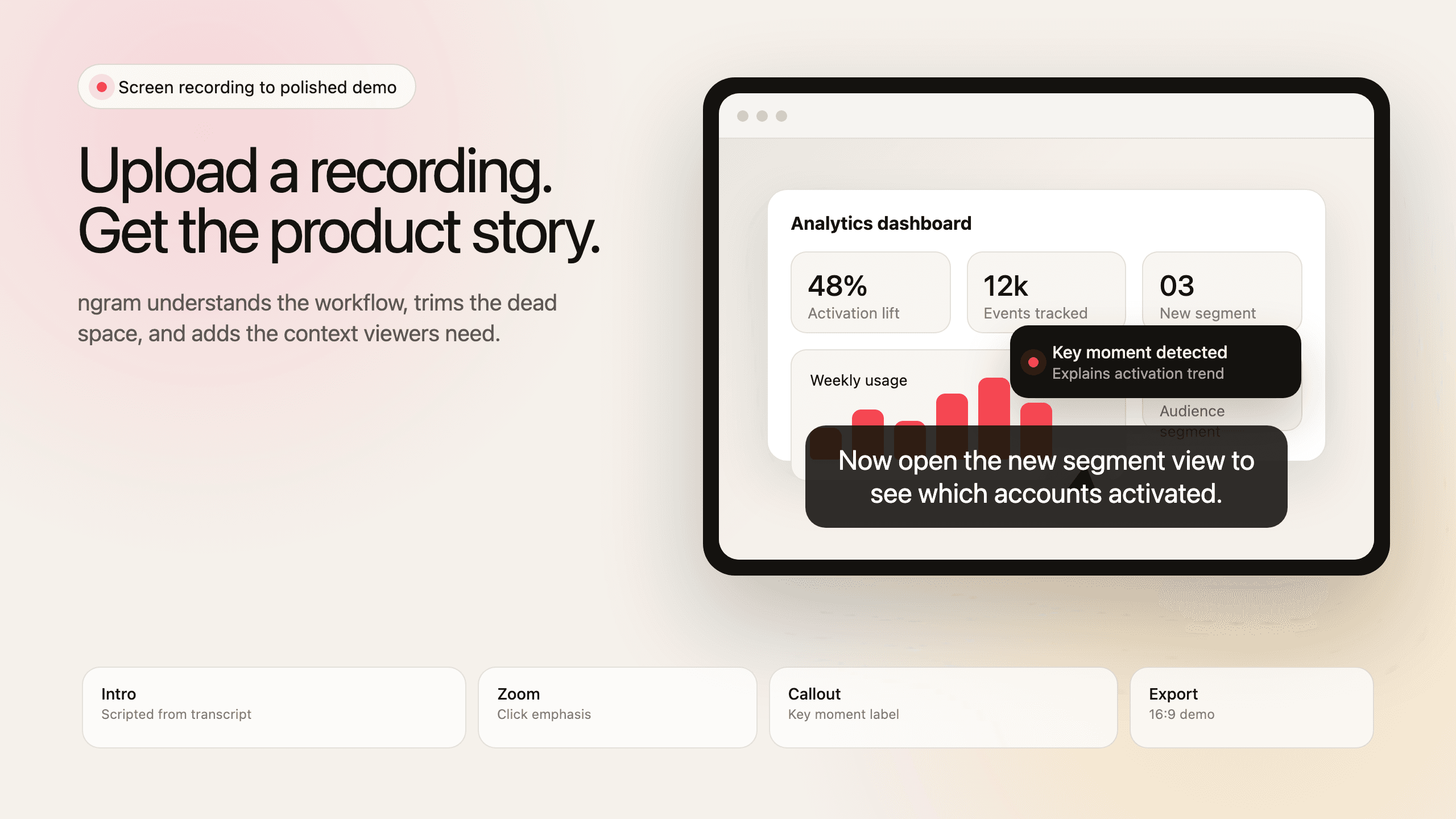
Screencast Understanding and Editing
Use ngram as a screen recording editor that understands the workflow, finds key moments, and turns a screencast into a product demo or explainer.
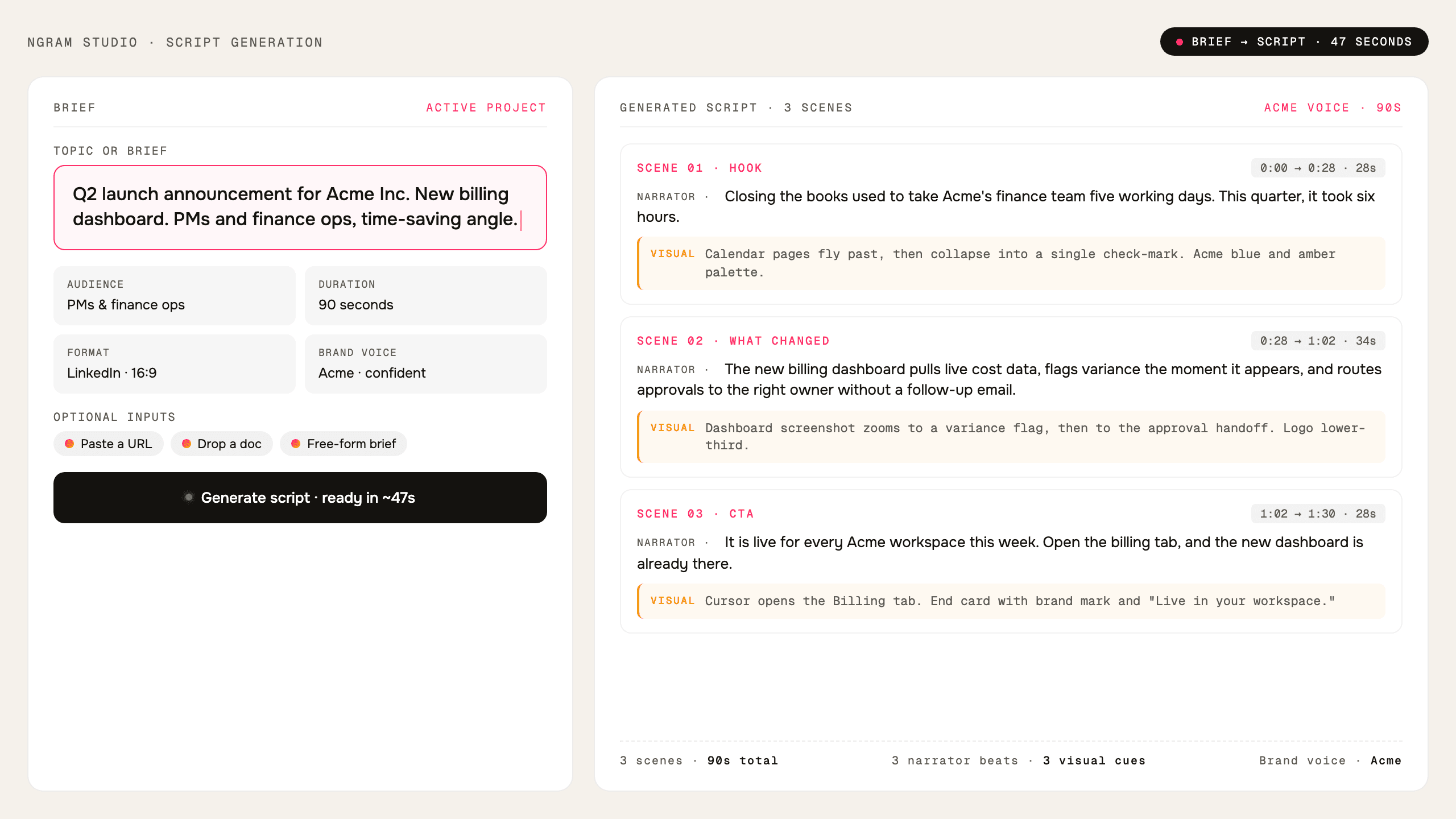
Script Generation
Use ngram as an AI script generator that turns prompts, PDFs, URLs, decks, recordings, and source material into video scripts and storyboards.
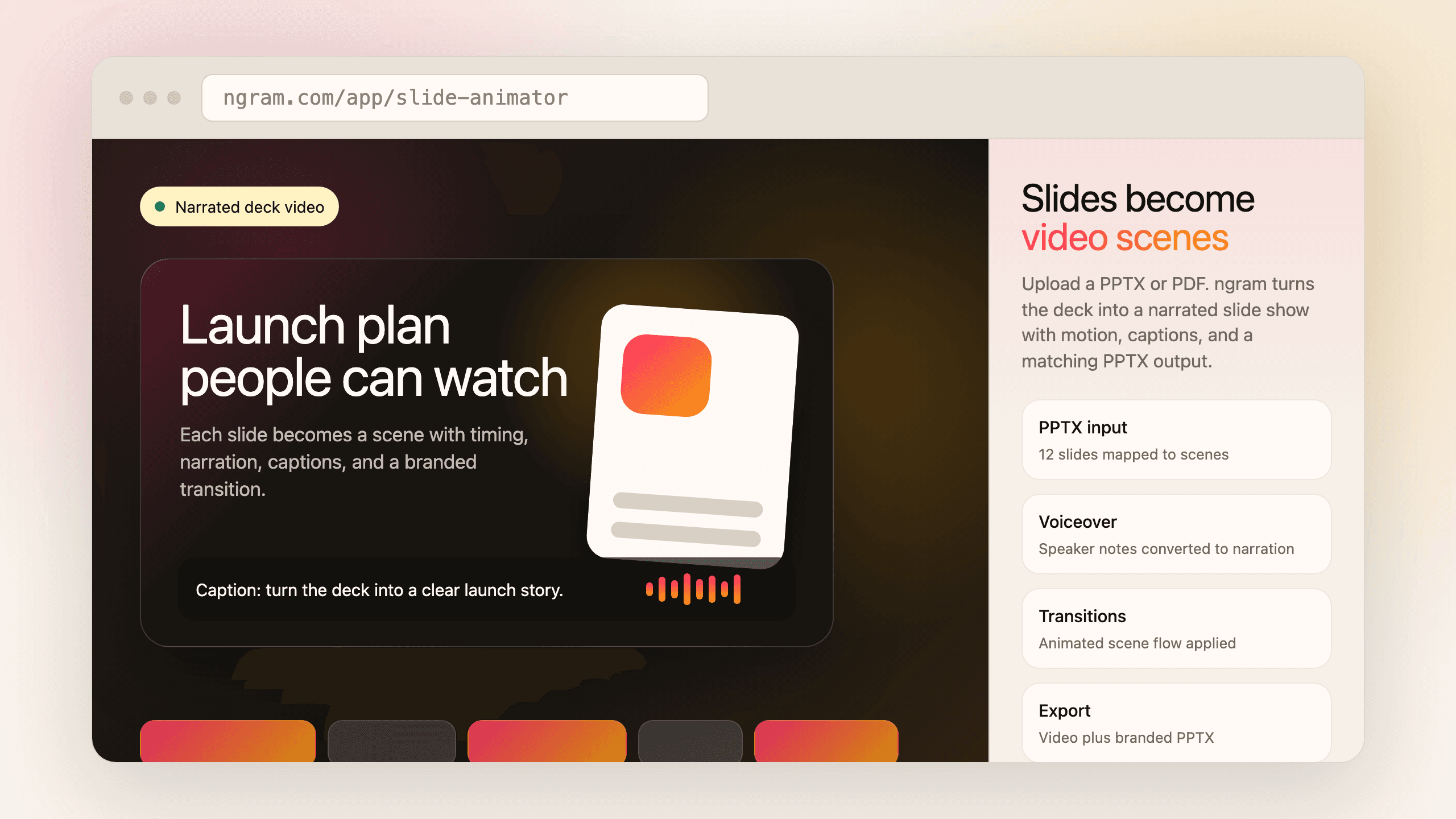
Slides
Use ngram as a PPT to video slide animator. Upload PowerPoint or PDF decks, turn each slide into a narrated video scene, and generate branded decks.
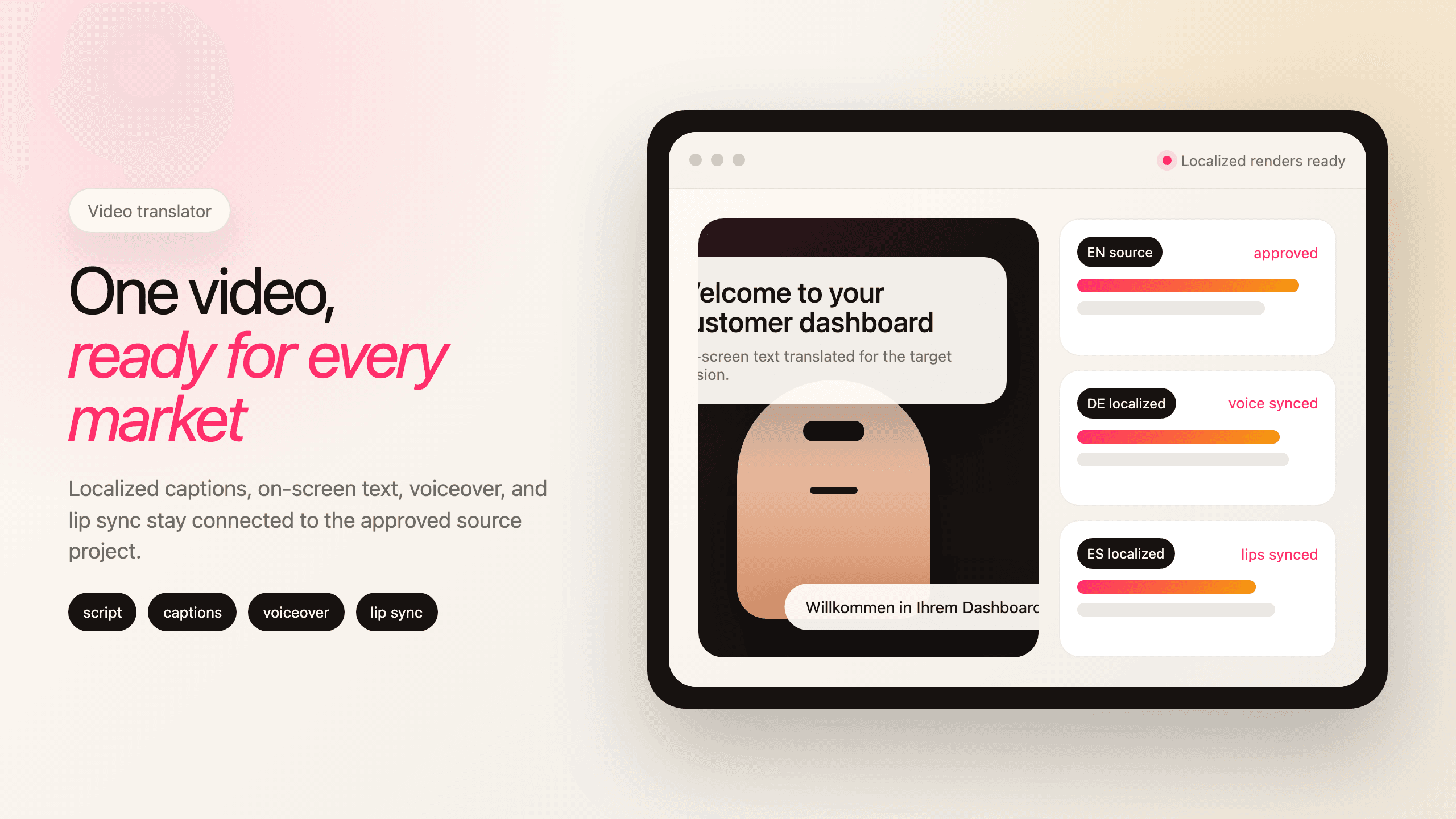
Translation & Localization
Use ngram as a video translator for business videos. Translate scripts, captions, and on-screen text, then regenerate voiceover and lip sync.
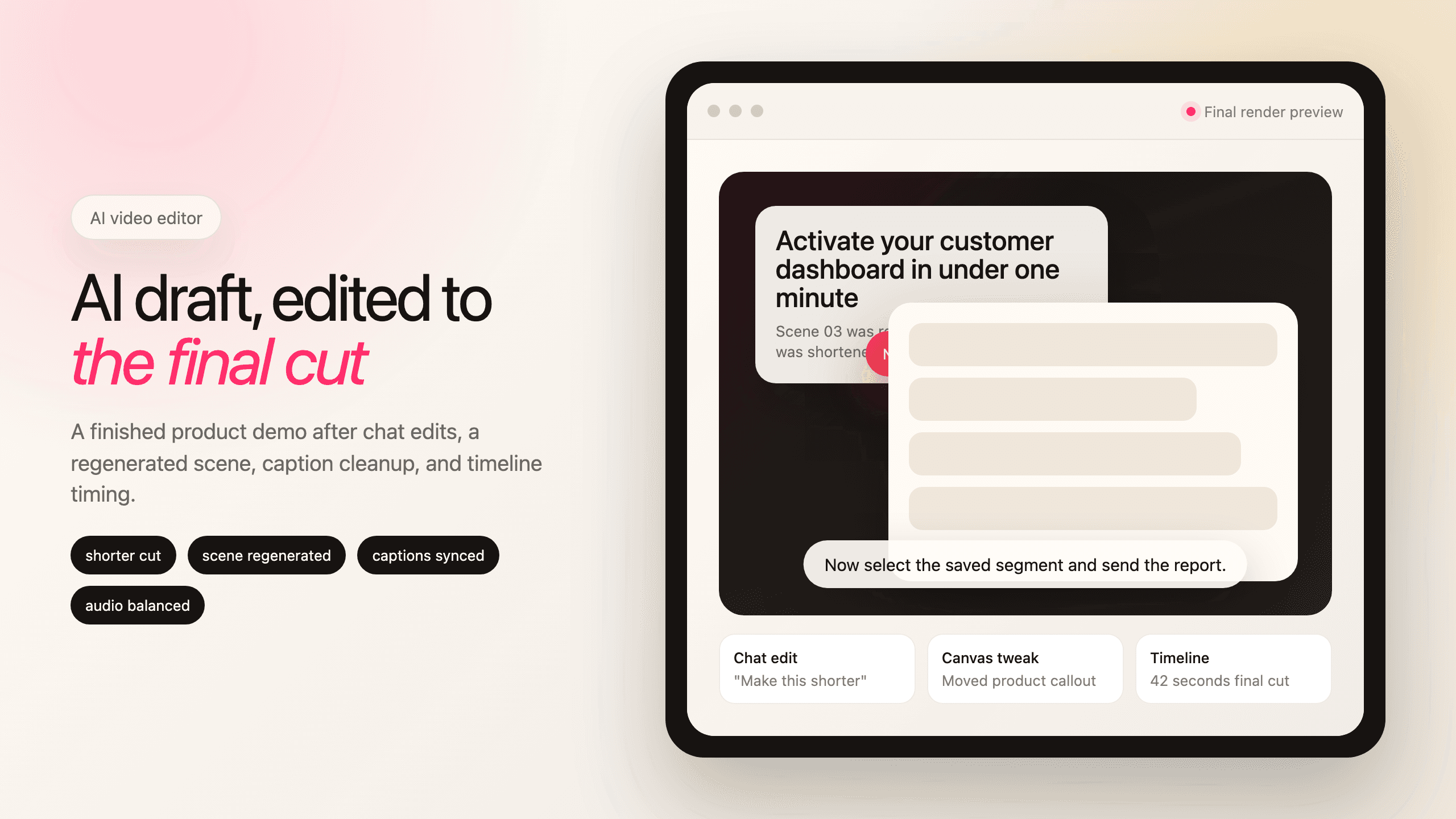
Video Editing
Use ngram as an AI video editor after the first draft is built. Edit clips, audio, captions, effects, scenes, and scripts with timeline, canvas, and chat.
Ready to create your first video?
Start turning your ideas into professional videos in minutes.
Get Started